

Articles
Long-form pieces on how event technology works, with the evidence: the radio, the SportIdent cards, the results and the events we have run.
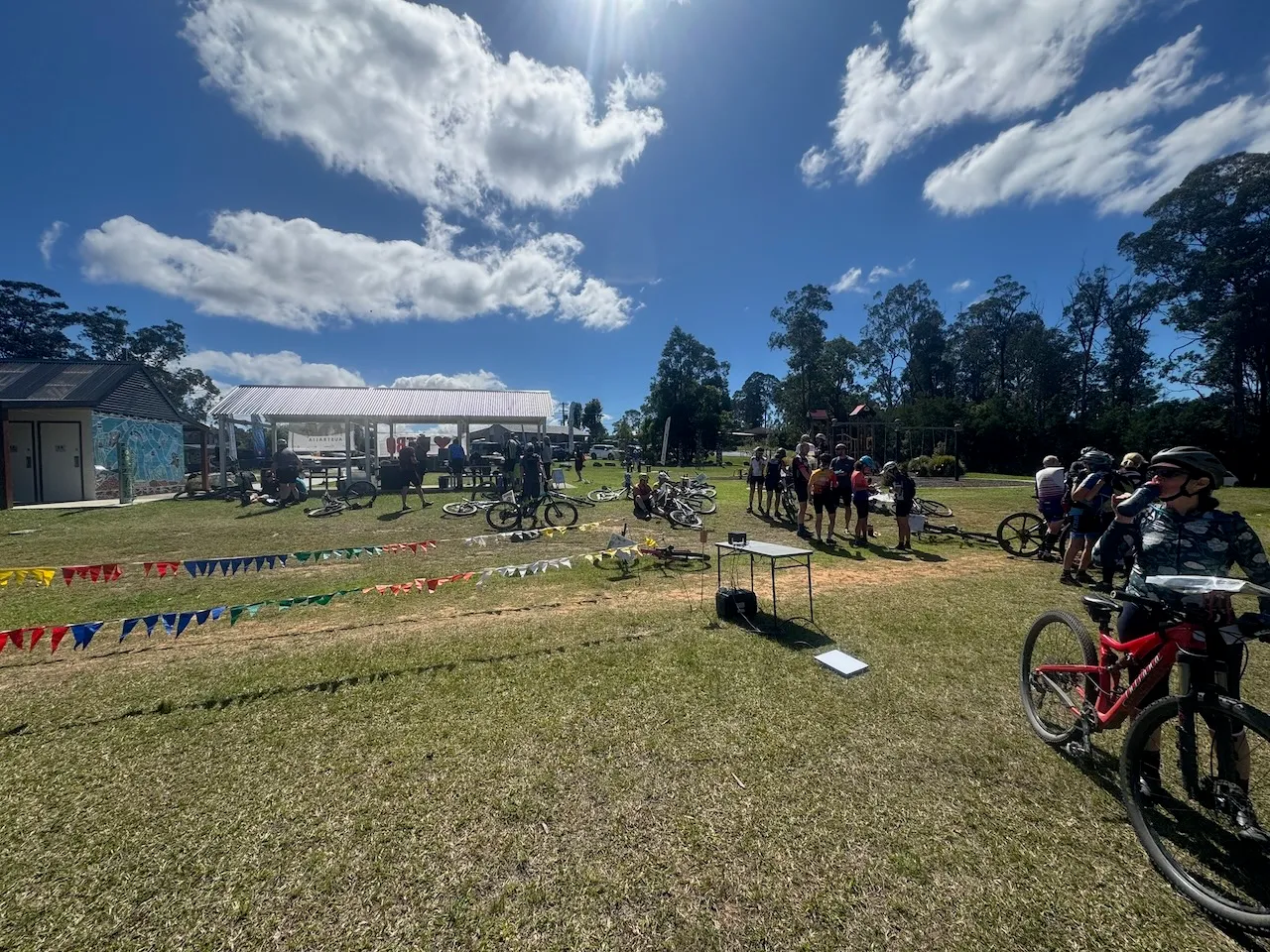 Software · Latest Backup cards: two cards, one run At MTBO events and championships, many competitors now carry a backup SIAC and punch both cards at every control. meshO Manager treats both cards as theirs: read either or both, and the result is worked out from whatever was read. Here is how to set it up, and what you'll see at the download desk, case by case. Tate Needham · 8 min read Read the article →
More articles
Software
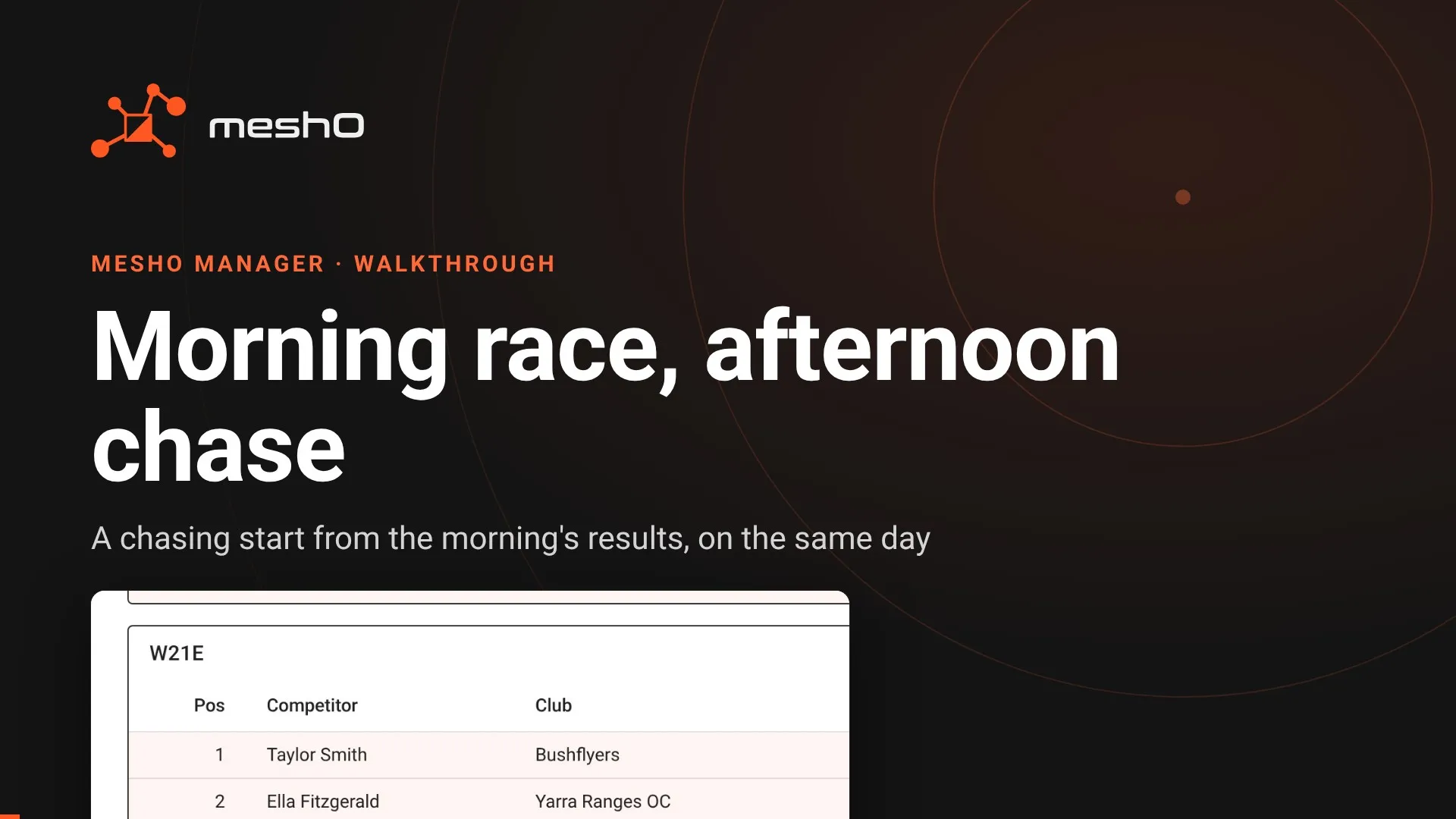
Morning race, afternoon chase
A chasing start in the afternoon, seeded by a race run that morning, with the last morning runners still out when the chase begins. Here is how to set the day up in meshO Manager so a late finisher still lands in both races, first without radio controls and then with them.
Software
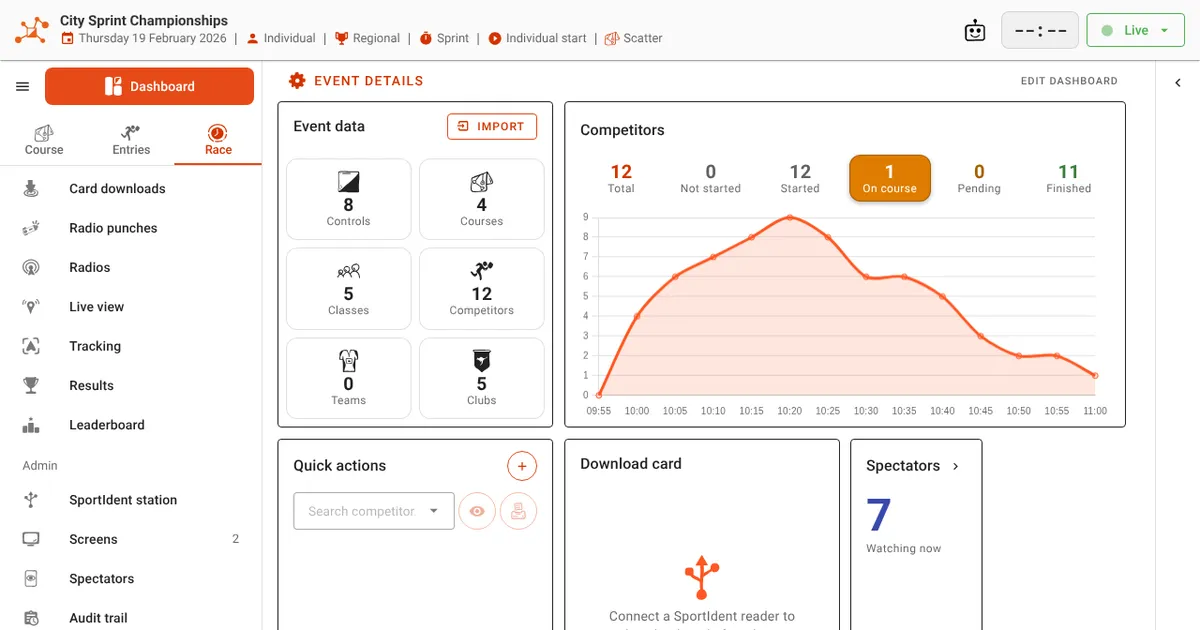
meshO Manager's new menu, header and dashboard
This release of meshO Manager changes the frame around every event page: a menu in three modes with a Go to search, the event's details in the top bar, one state button in place of the row of Start, Finish and Close buttons, and a dashboard with more room for its tiles. Nothing has been taken away. Here is what moved and where to find it.
Software
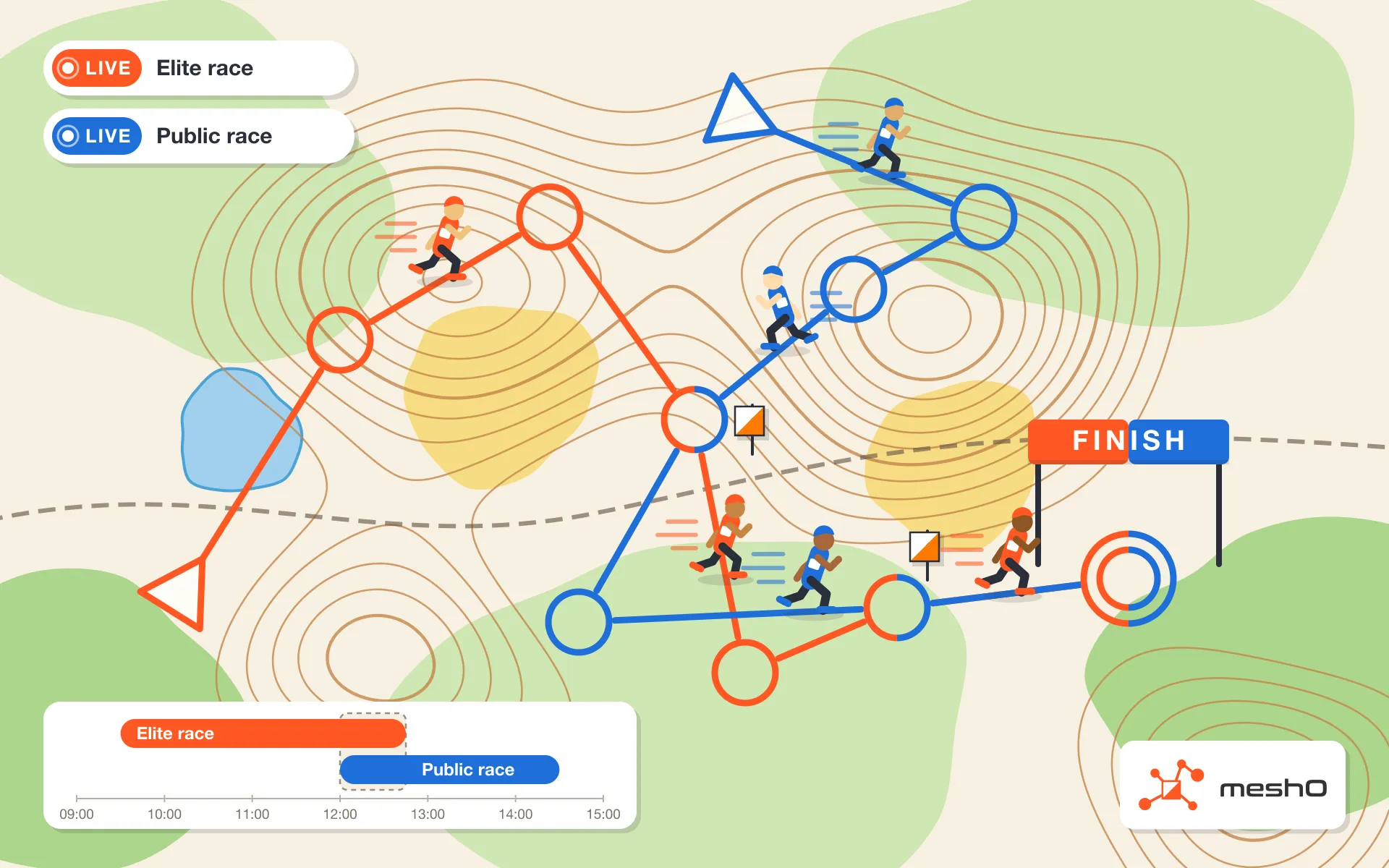
Two live events at once, and why you usually want one
meshO Manager can run several events live at the same time on one computer. Most days you shouldn't: one event already mixes course formats, start types, and relay and individual classes. When two events really must stay apart, here is how it works, what changes when they share radio controls, and what is still left to you.
Software
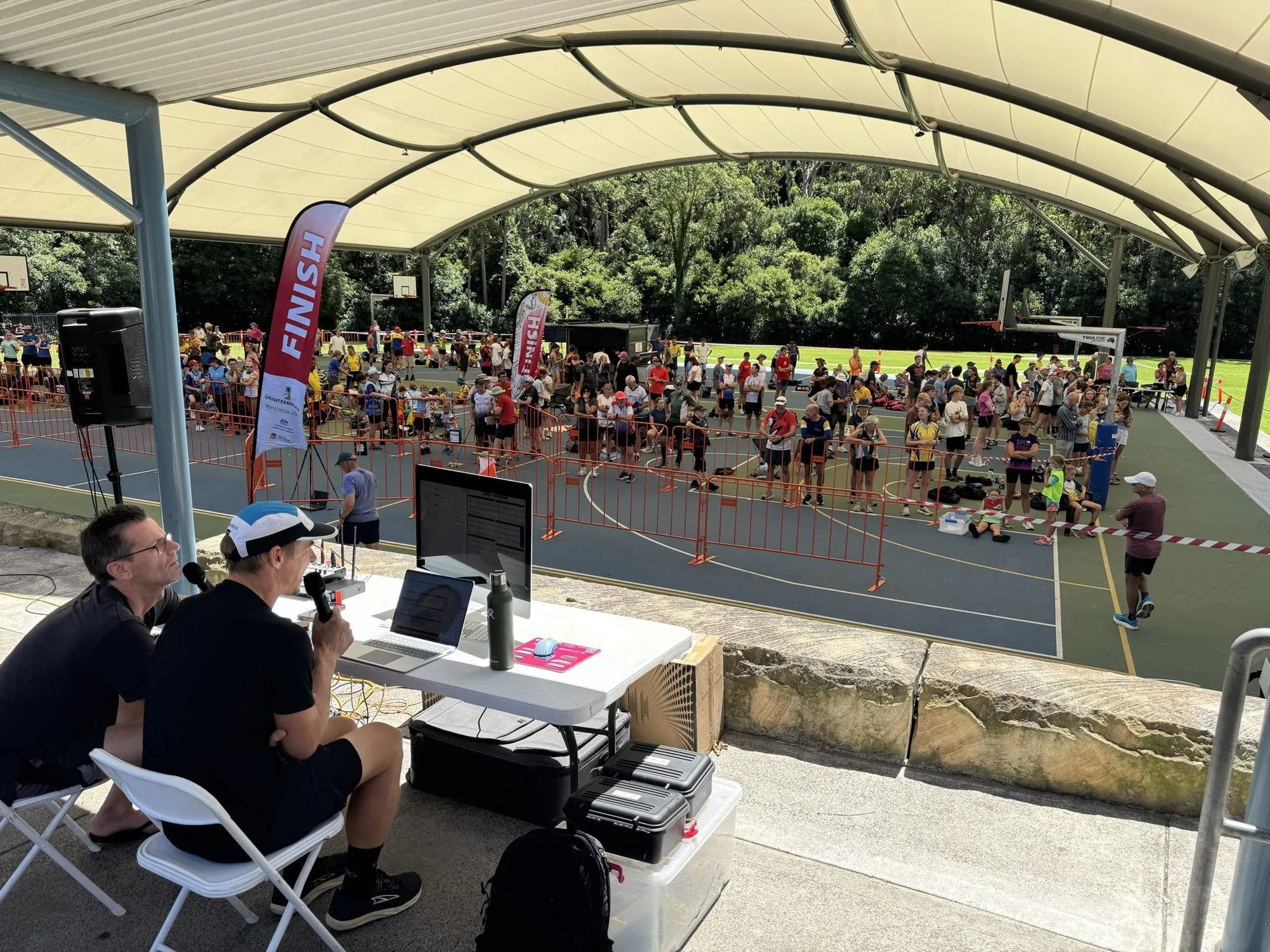
Live standby: a second computer, ready to take over your event
meshO Manager's live standby keeps a second computer up to date with every change to your event, so if the main computer dies, you press one button and carry on. Setup, how the copy works, why it never takes over by itself, a takeover step by step, and a rehearsal for before the day.
Software
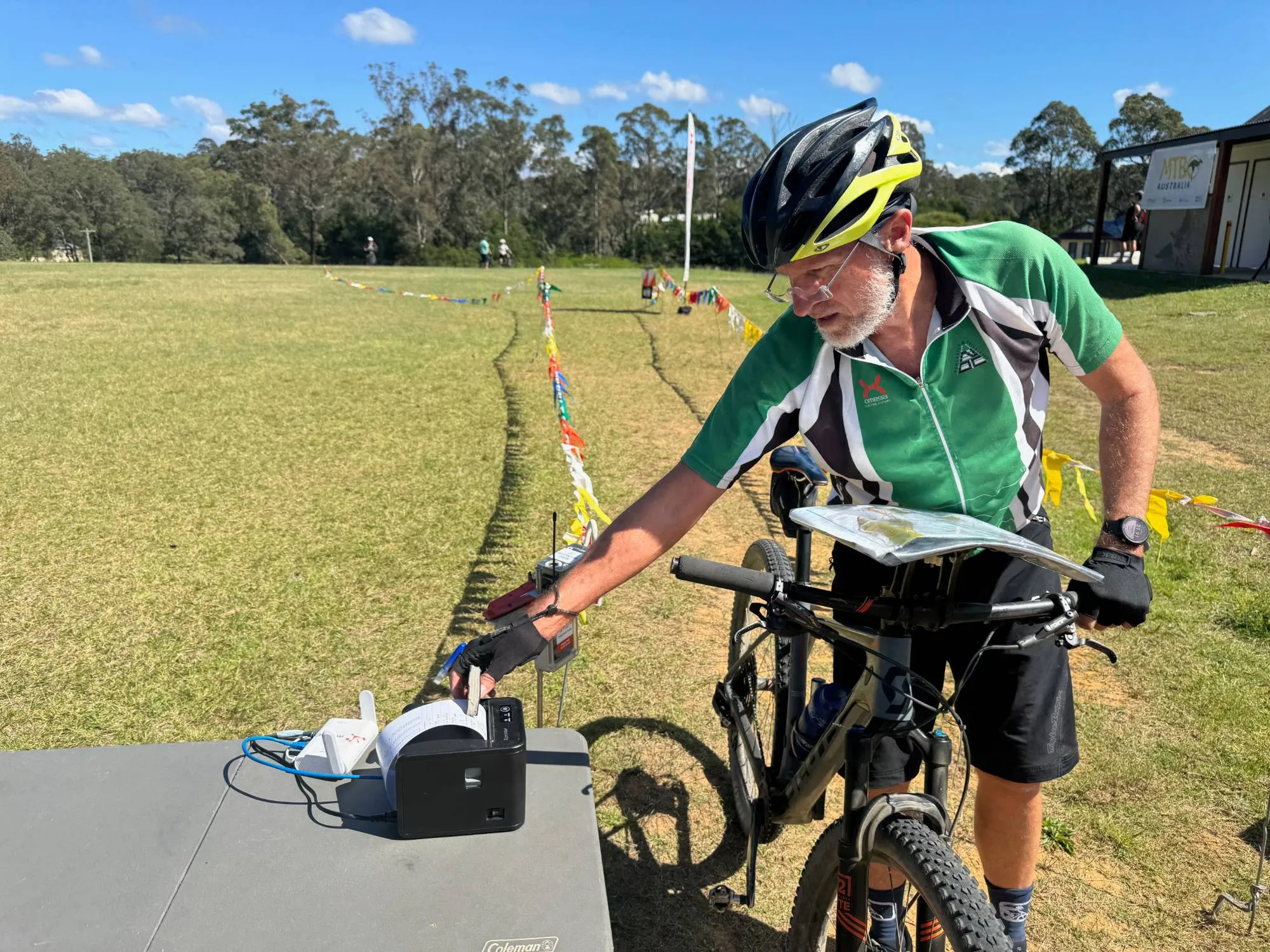
Printing at your event with meshO Manager: from one printer to a carnival
Splits for the runner, a label for the results board, a sheet of results for the prize table. This guide sets up printing in meshO Manager step by step. It starts with the setup most events need, one printer plugged into the server, and builds up to carnivals with several download lanes, a rego desk, a label printer of its own and radio download stations, on Windows, on a Mac, or on both at once.
Software
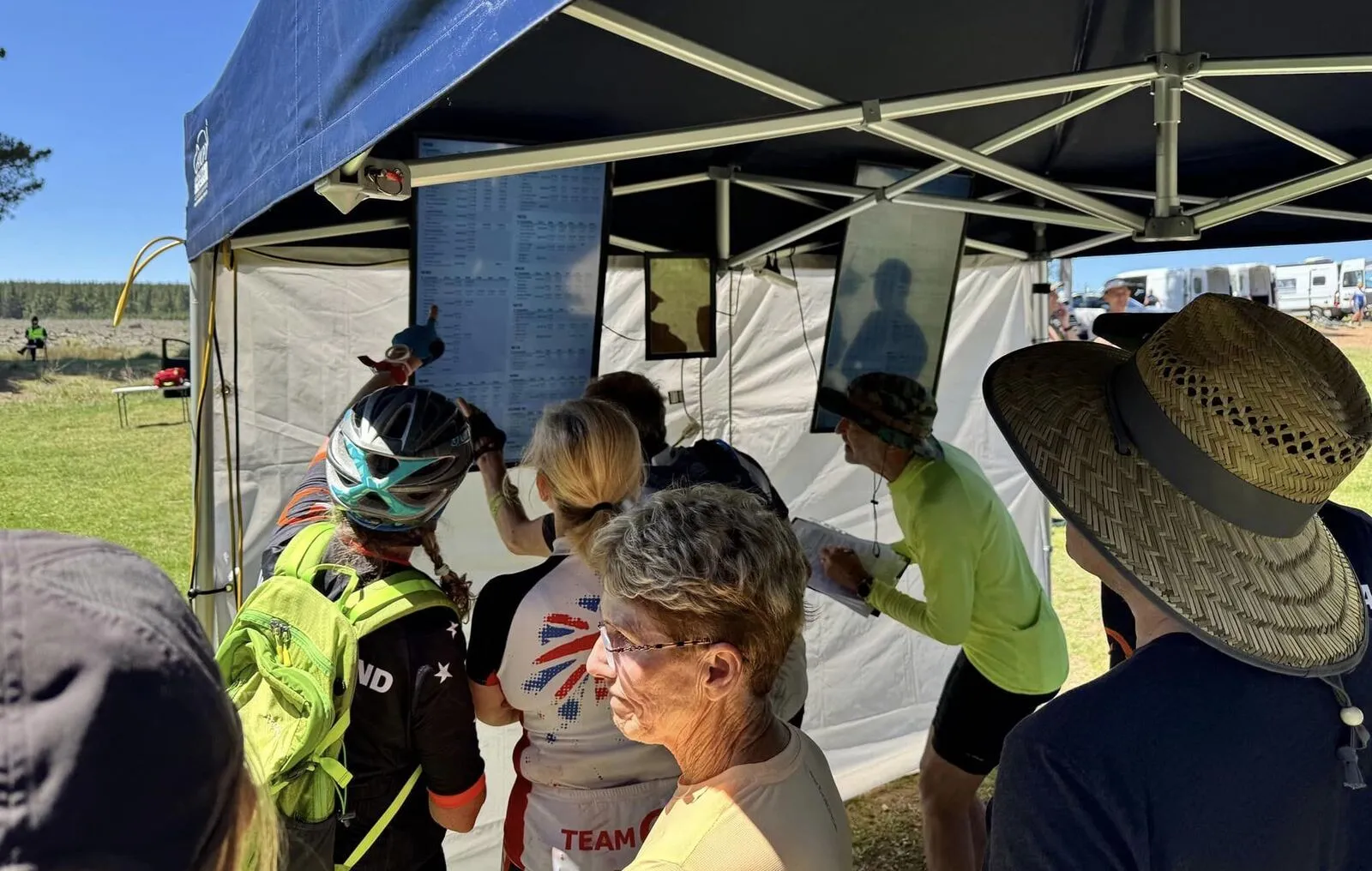
Using the meshO Manager API: a practical guide with examples
Everything meshO Manager does on screen, it does through its own web API: the operator’s console, the rego desk, the results screens and the commentary feed all read and write the same endpoints. You can use them too. Scripts, screens of your own and whole apps can be built on them. This guide walks through the API with working examples in curl, Python and JavaScript, from reading results and scoring your own competitions to building an event, feeding in punches and listening for live changes.
Safety
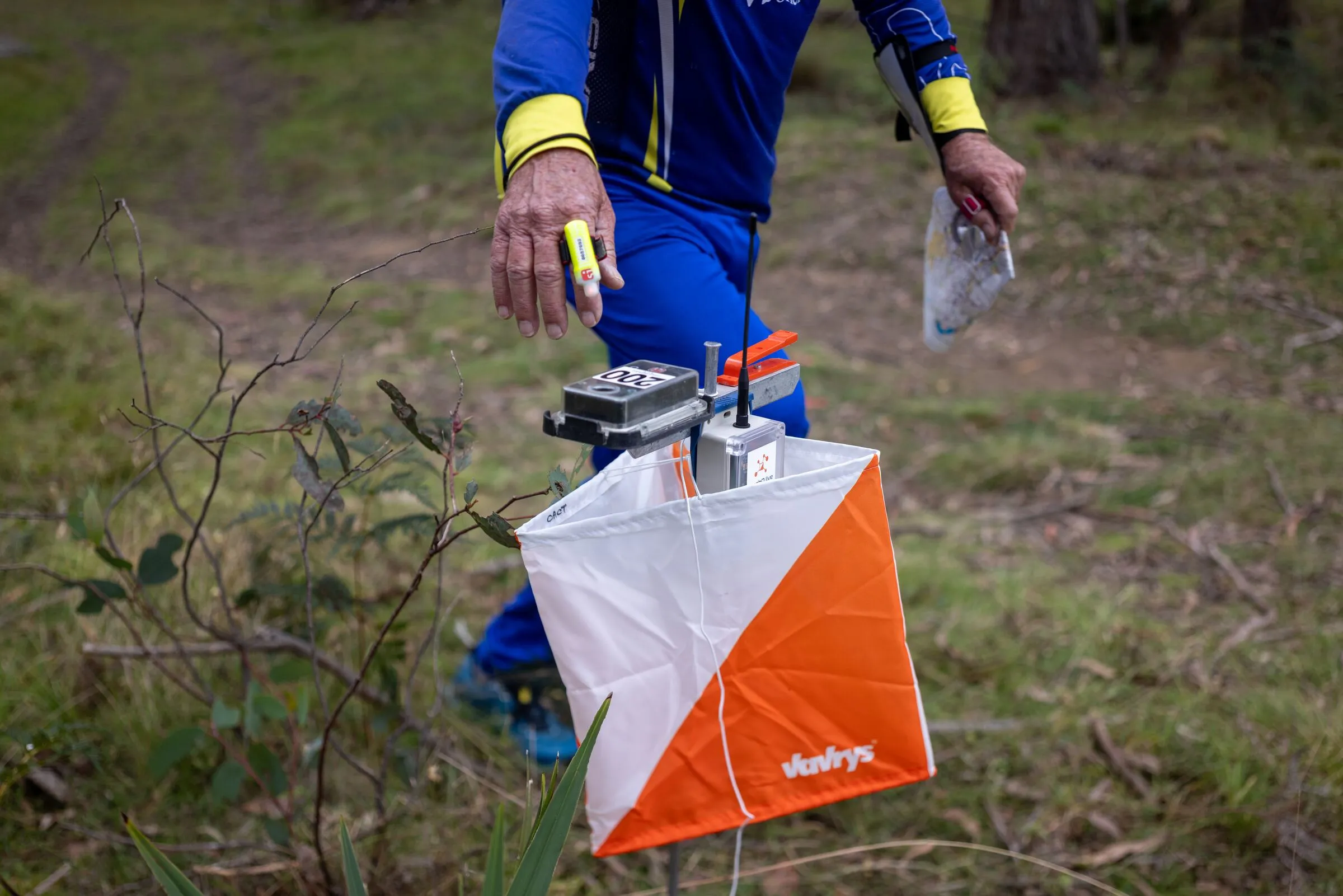
Is everyone back? Radio controls and safety at orienteering events
Every event ends with one question that has to be answered before anyone packs up: is everyone back? Radio controls let event teams answer it at any moment of the day, with a live view of who is still out on the course and where each competitor was last seen. Here is how, and everywhere meshO Manager puts that picture in front of the people responsible.
Event technology
Radio controls won’t flatten your SIAC
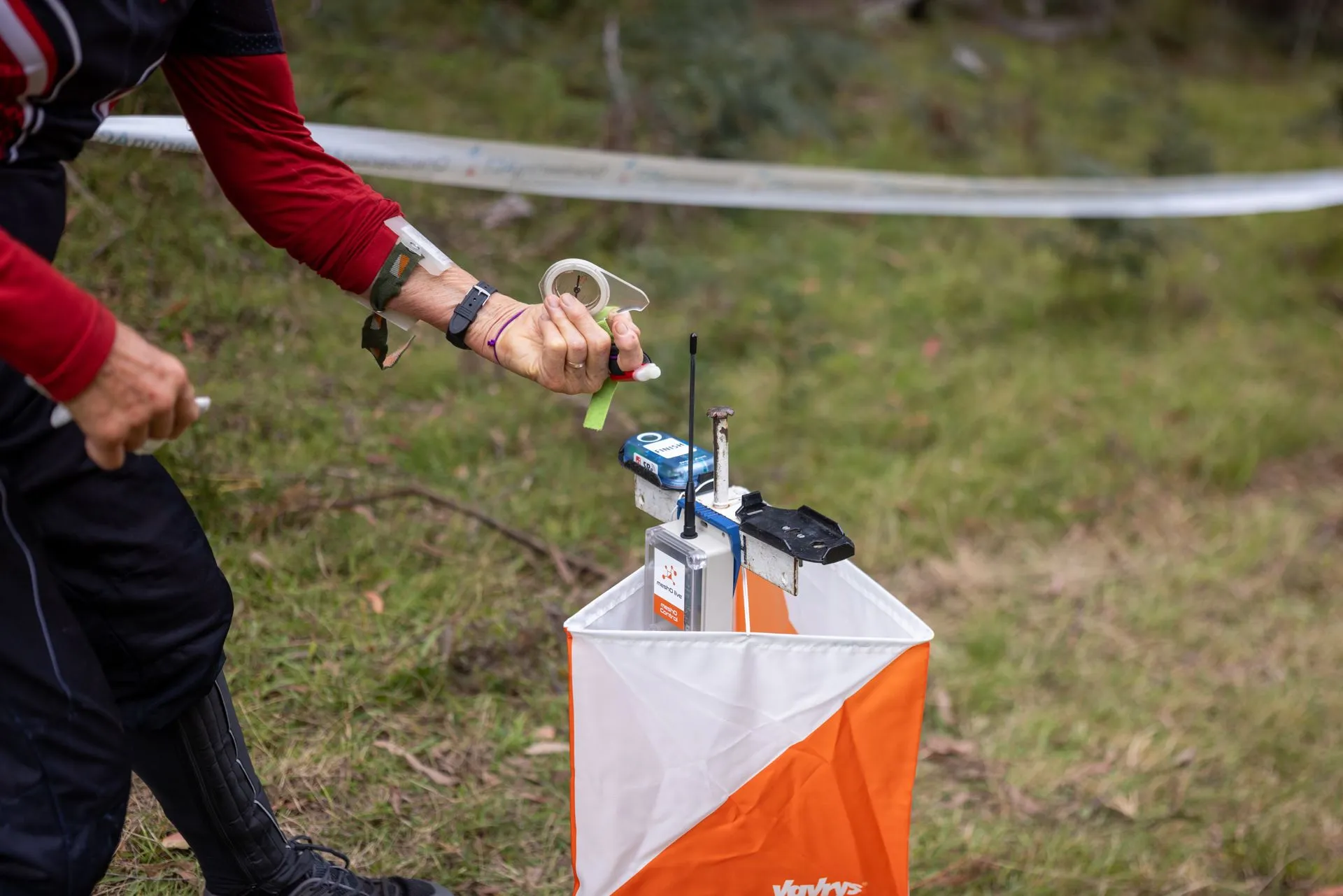
Many organisers limit radio controls to protect competitors’ SIAC batteries. We worked out what turning on “Send last record” really costs. It’s about 0.2% of a SIAC’s battery life where radios are listening, about 1% at worst, and nothing at all for the controls.
The meshO Manager newsletter
Every second week: new guides, posts and video tips for the people who run events with meshO Manager. Unsubscribe from any issue.
Opens an email to sales@mesho.live. Send it, and we add the address it comes from.
In print
Pieces about meshO in The Australian Orienteer.
 December 2024, p. 44meshO – a success storyTate Needham. The first large competition run with the new radio controls — the Australian MTBO Championships in Canberra, 17–20 October 2024.Read the PDF →
 June 2024, p. 26Applying for funds from the Moira Whiteside Orienteering BequestHania Lada interviews Tate Needham. The grant that brought the radio controls’ timeline forward.Read the PDF →