
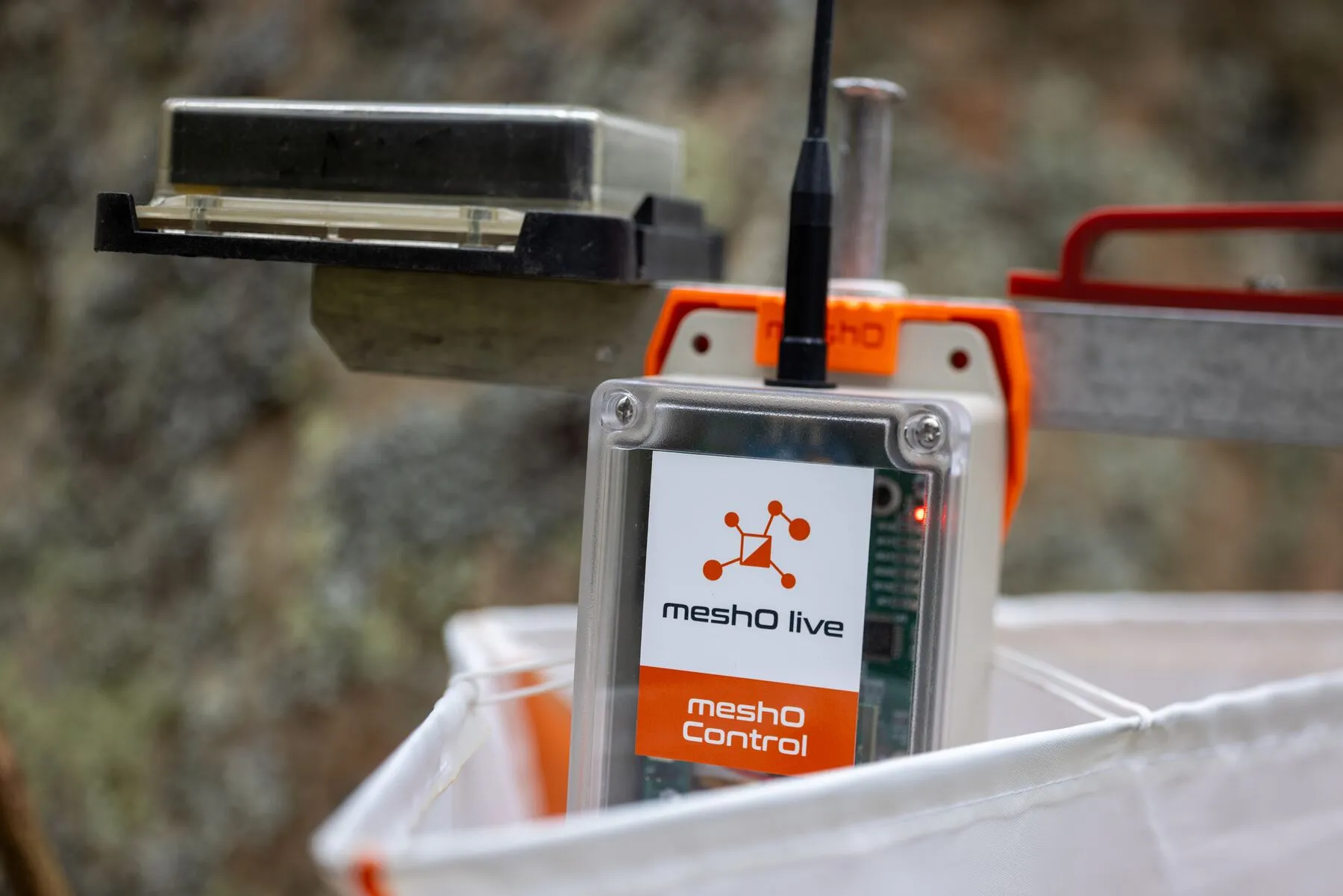
Punches from anywhere on the course
meshO Controls join and extend a self-healing radio mesh. meshO Prime creates it and hands every punch to your event computer — live, without cellular coverage.
Live results
Splits from out on the course reach the arena screens and spectators’ phones while runners are still out, not only once cards are downloaded. More on live results
Commentary
Commentators know who is coming in, and in what order, a minute or two before they arrive, and can call the race as it unfolds.
Safety
Start, check and finish radios show who is still out on the course. Radios out on the course show where each competitor was last seen. More on safety
Coverage
Radios pass punches to each other, so a control far out reaches the arena through its neighbours.
Reliability
If a path drops, the mesh routes around it, and each control holds its punches until they are delivered. Punches a card never sends are filled in at download.
Setup
Brackets on the stands beforehand; on the day, a magnet switches each radio on and it clips in.
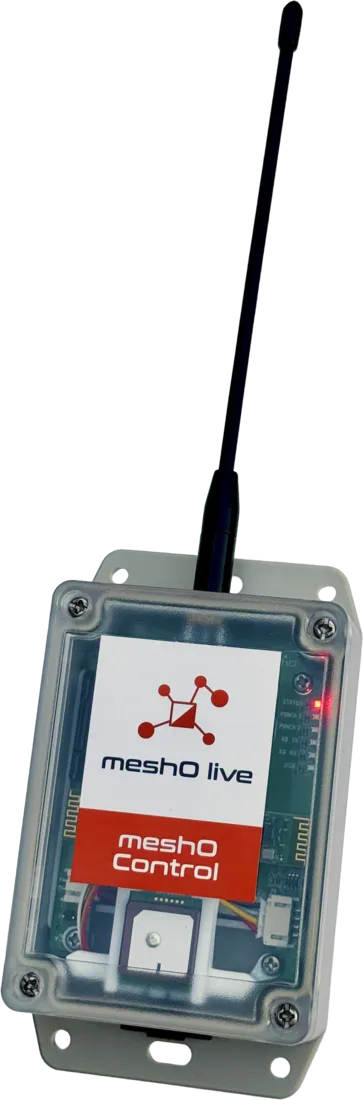
meshO Control
The radio control that relays every punch, at any control on the course.
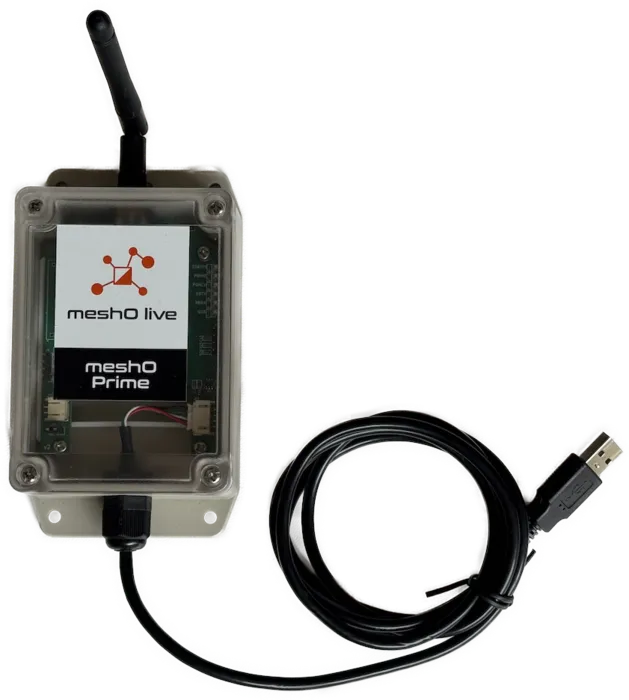
meshO Prime
Creates the mesh and brings every punch to your event computer over USB.
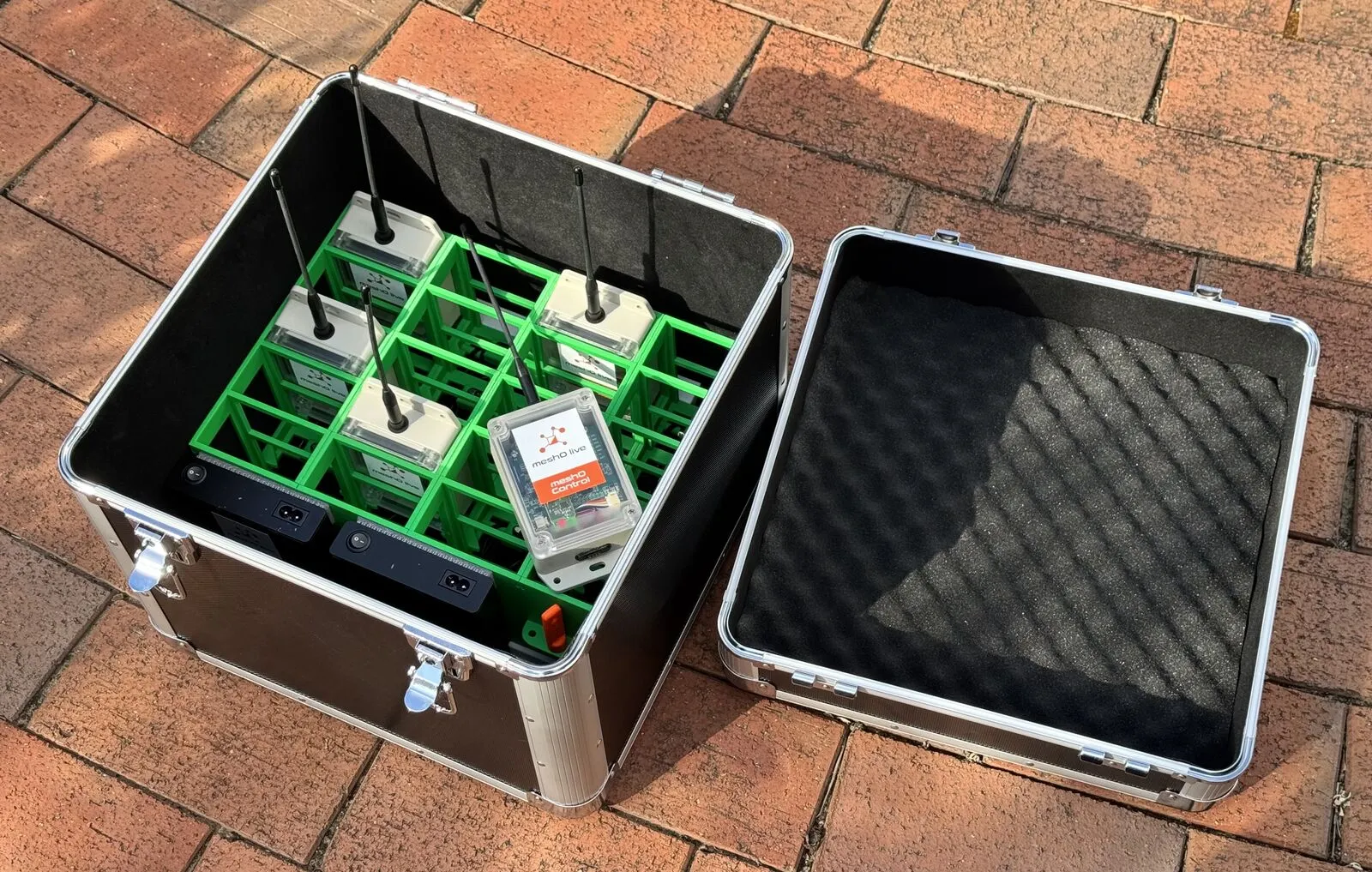
Accessories
A 20-bay charging case, brackets for your control stands, spare charging cables and on/off magnets.
Live results and commentary
Bring the race back to the arena
Without radios, the arena only finds out what happened in the forest when cards are downloaded. With them, every radio punch reaches the screens, the commentators and spectators’ phones as it happens, so the race plays out where everyone can watch.
Live results
Radio splits update the TV leaderboards and live top 10 walls in the arena, and the live results on spectators’ phones. Friends and clubmates can see who is leading at each radio control, not just who has finished.
Commentary
The finish and the control before it tell the commentator who is coming in, and in what order, before anyone reaches the line. Radios spread along each course let them follow the leaders as the race unfolds, and make predicted finish times more accurate.
Atmosphere
A close finish is called before it reaches the arena, so the crowd is at the finish to see it. The radio-control feed screen shows who has just come through a spectator control, and the leaderboard changes as each runner punches.
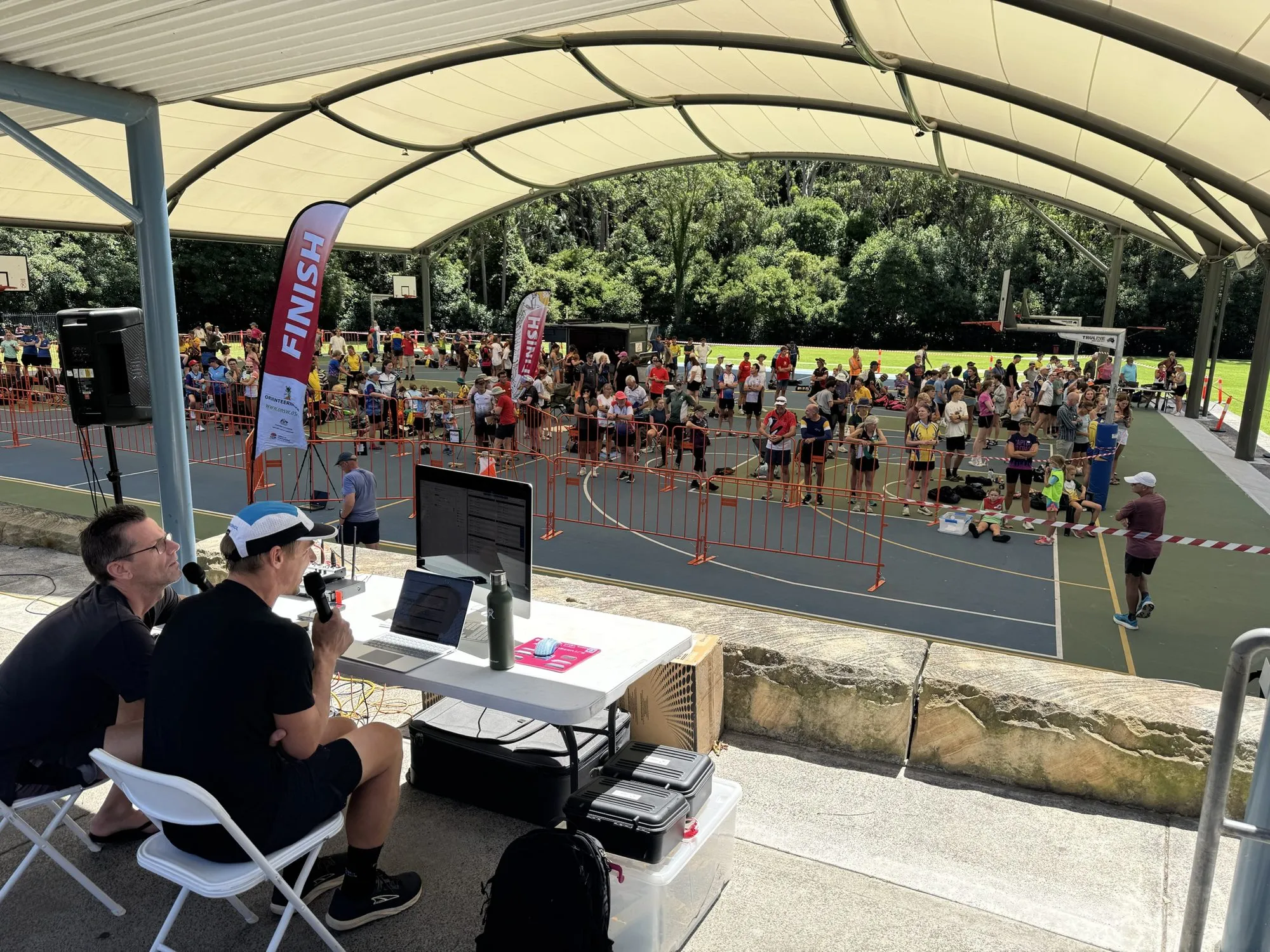
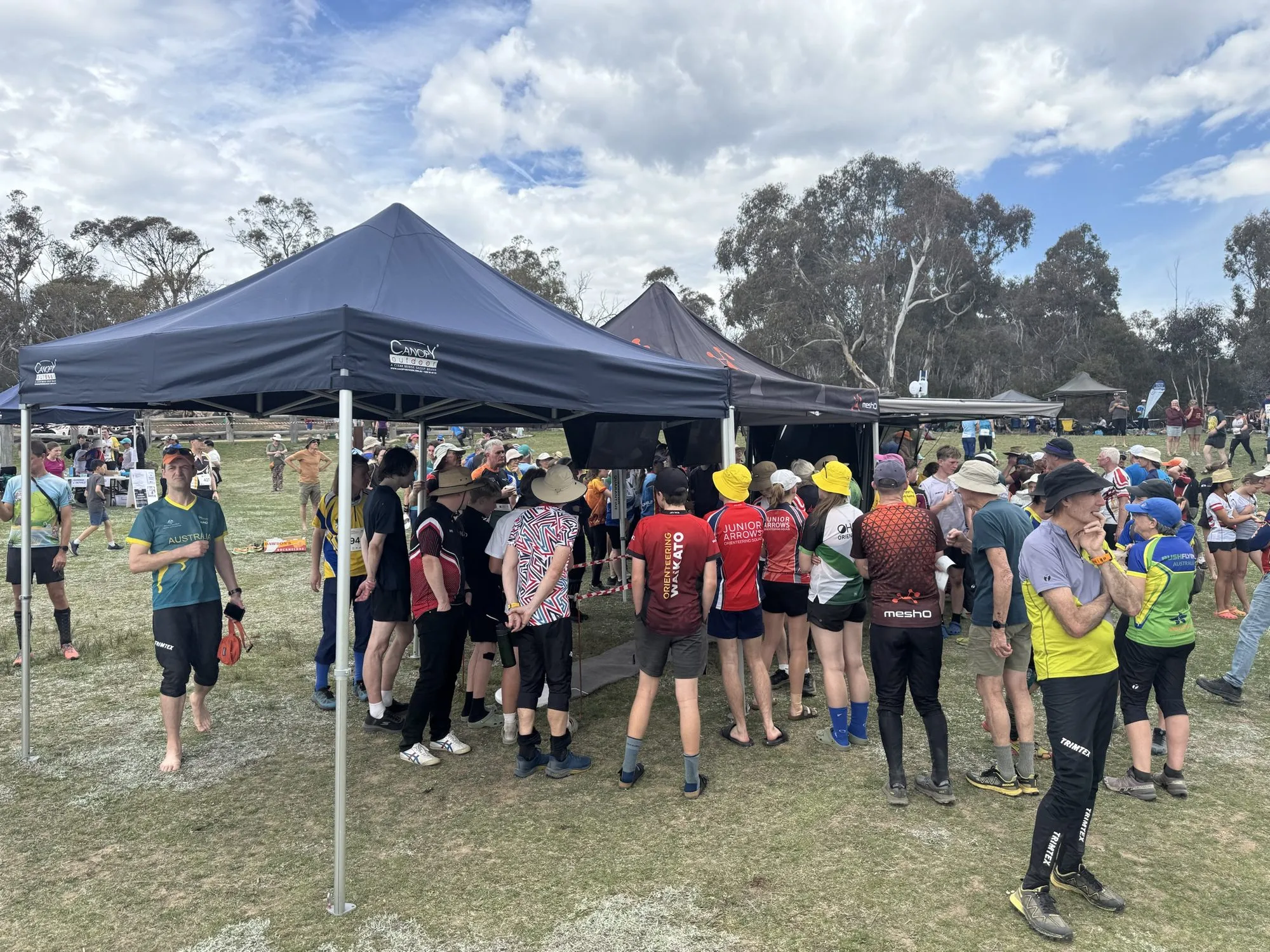
Which controls get radios decides what the arena sees: the finish and the control before it come first, then at least three on every course and one on the last control. Where to put radio controls
Safety
Know who is still out on the course
At the end of the day, someone has to be able to say everyone is back. Radio controls show that live, all day, instead of only once cards are downloaded.
Start and finish
A start radio shows each competitor going out. A finish radio shows them back as they cross the line, before they reach the download tent. Together they show everyone who has started and not yet finished.
The master check
At events with allocated start times, nobody enters the start blocks without punching the check. A radio beside the check unit gives you a live list of everyone who actually started, so a no-show is not mistaken for someone still out.
Out on the course
Every radio control a competitor punches is a sighting. If someone hasn’t come back, the last radio they punched, and when, narrows down where they might be.
The whole field at a glance
In meshO Manager, the Competitors tile on the dashboard counts the field all day — started, on course, pending and finished — over a graph of how many are on the course, so organisers can watch the field go out and come back.
One click on On course lists everyone still out, with the last radio control each one punched, longest unseen first. One click on Pending lists everyone who has punched the finish but not yet downloaded: back, but with a card still to read.
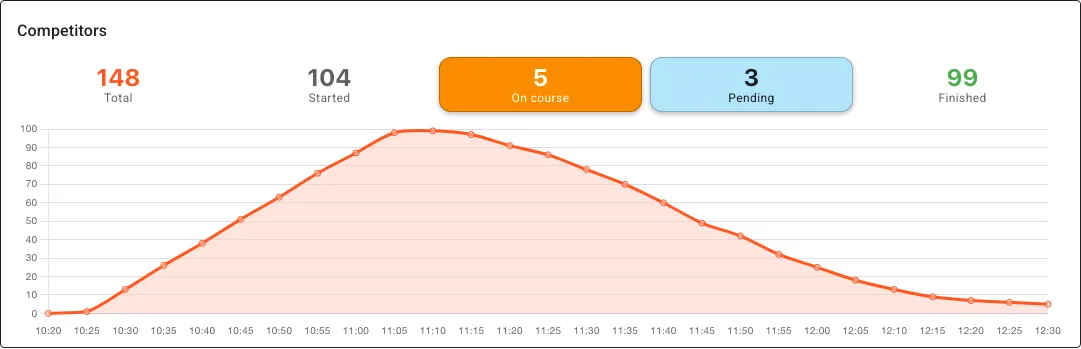
Radios are a live view, not a guarantee: a card does not always send its punch, and a control without a radio reports nothing until download. Before anyone packs up, read the start, check and finish units and account for every name in person. The safety check in meshO Manager
Range
Depends on the terrain
| Unobstructed line of sight | more than 3 km |
| Sparse vegetation | about 1 km |
| Dense vegetation | 150–300 m |
Rules of thumb between two radios. Intermediate radios bridge hills and distance. Works with SIAC air punches and BSF8-SRR units. Range guide · SportIdent compatibility
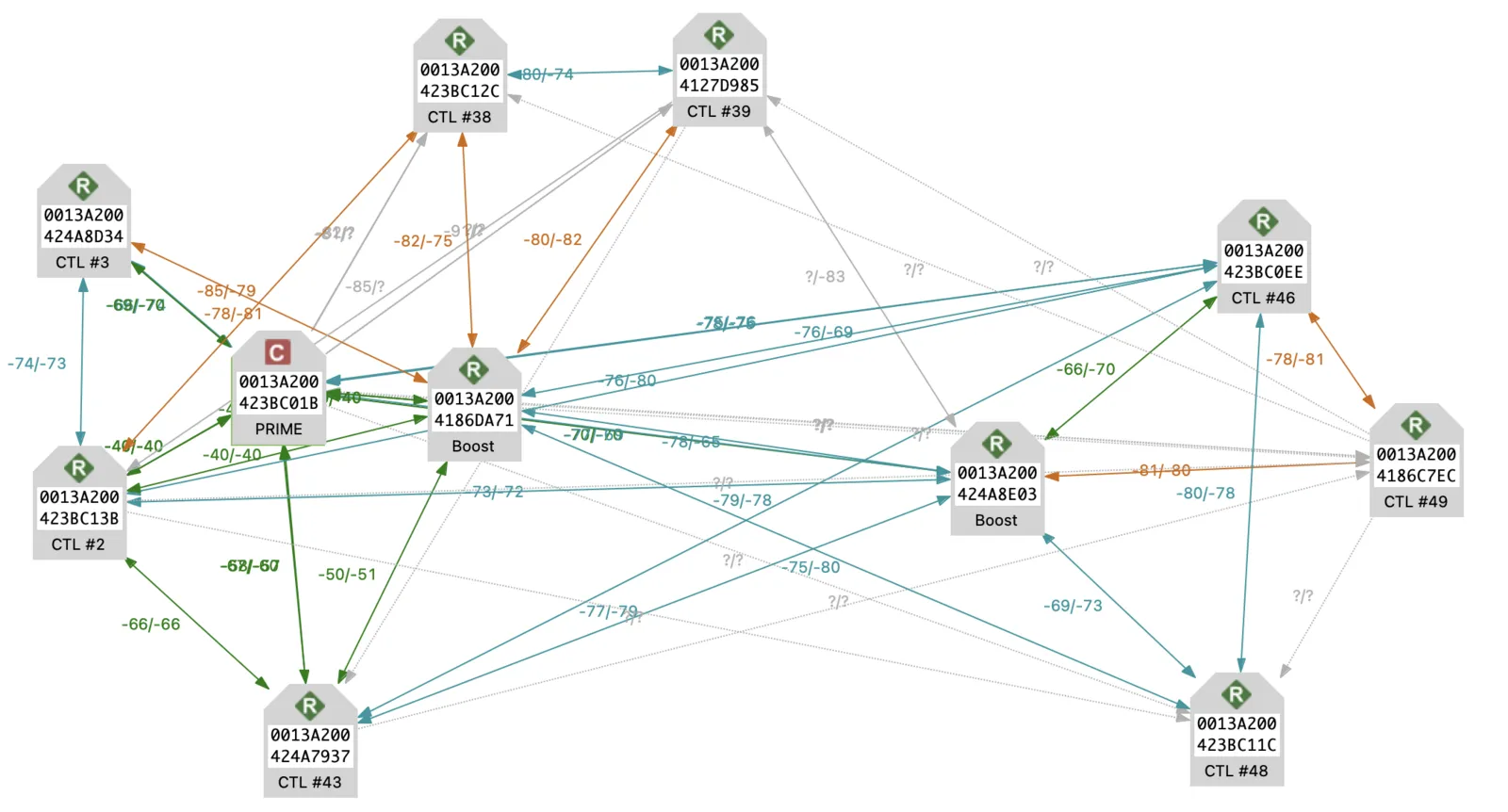
How many radios does your event need?
Tell us the course and terrain — we’ll size the network and quote.