Events
Where to put radio controls: seven rules of thumb
Which controls get a radio decides what the arena sees. Here is how we choose them with course planners — and what to expect from the terrain.

Tate Needham
meshO · · 5 min read
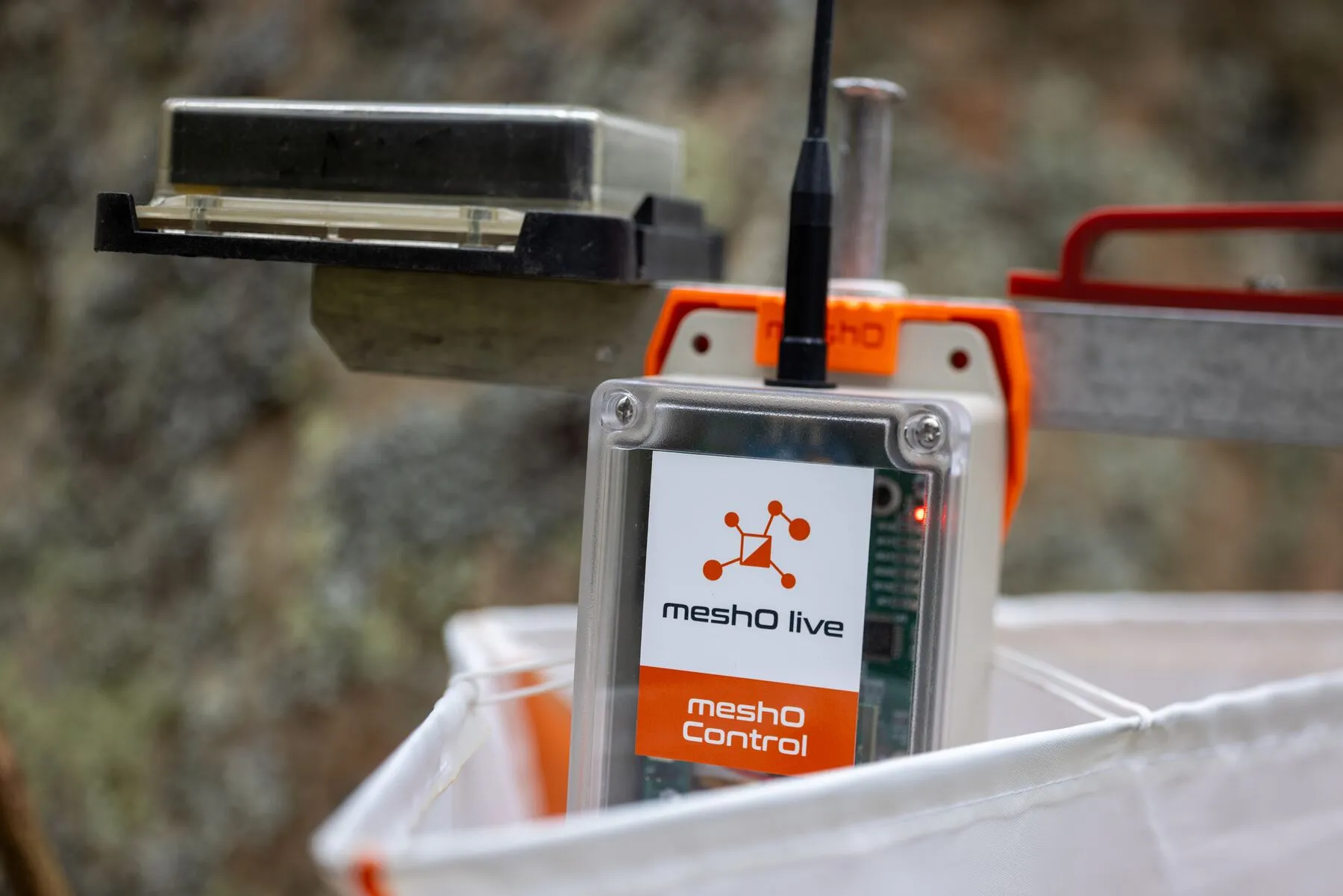
A radio control earns its place when the arena wants to know about it: who is about to finish, who has cleared the hard leg, who is leading at the halfway point. These seven rules are what we work through with the course planner a couple of weeks before an event.
1. Start at the finish
The finish and the control before it are the first two radios on any event. Together they tell the commentator who is coming in and in what order, a minute or two before they arrive. A BSF8-SRR unit at the finish picks up both SIAC air punches and manual punches. The finish radio matters for safety too: it shows each competitor back as they cross the line, before they reach the download tent.
2. At least three radios per course
Give every course at least three radios, spread roughly evenly along it, plus one on the last control. Regular splits let the commentators follow the race as it unfolds, and make predicted finish times more accurate. Controls that several courses share — pivots — give the most splits for one radio, so use them where you can. Every radio a competitor punches is also a sighting: if someone hasn’t come back, the last radio they punched, and when, narrows down where they might be.
3. Watch the master check
At events with allocated start times, use a BSF8-SRR unit for the master check and put a radio next to it. Nobody enters the start blocks without punching the check, so each competitor is counted as they start, and the organisers have a real-time view of how many competitors are on the course throughout the day — in meshO Manager, as a graph on the dashboard’s Competitors tile. It also gives a list of everyone with an allocated start time who actually started, so someone who never turned up is not mistaken for someone still out. At a punching start, a radio on the start unit does the same job.
4. Cluster, don’t scatter
Each radio passes punches to its neighbours until one reaches meshO Prime, so radios close together build a stronger network than the same number spread across the map. More radios are better than fewer: a stronger network, and more choice about which controls go on the screens.
5. Read the terrain for range
Range depends on vegetation, topography and distance, and no one can predict it exactly. Our rules of thumb (drawn in the range guide):
| Terrain between radios | Typical range |
|---|---|
| Unobstructed line of sight | more than 3 km |
| Sparse vegetation | about 1 km |
| Dense vegetation | 150–300 m |
6. Bridge the gaps
A control behind a hill or a long way out needs a path back. Put an intermediate radio at a rough midpoint, or on a tall antenna pole, and let the mesh carry the punch. On the day we watch the signal strength between radios and add one wherever a unit cannot reach the network.
7. Set up the SportIdent units
Radio controls hear the short-range radio transmission a SIAC card sends when it punches, at any SportIdent unit in beacon mode (which units work). For that to happen, the SI unit at each radio control must be set to “send last record” in SportIdent Config+ (“Send the last punch” under AIR+ radio in meshO Manager). Setting it on every control lets you add a radio anywhere on the day — at almost no cost to SIAC batteries.
Placing them on the day
Turn meshO Prime on first — it creates the network. Then place radios from the closest to the furthest, switching each on with the magnet as you go. A radio searches for the network for up to a minute; once a single light blinks once a second, it has joined. If it never stops searching, the network needs another radio between it and the rest.
More detail is in the planning guide.