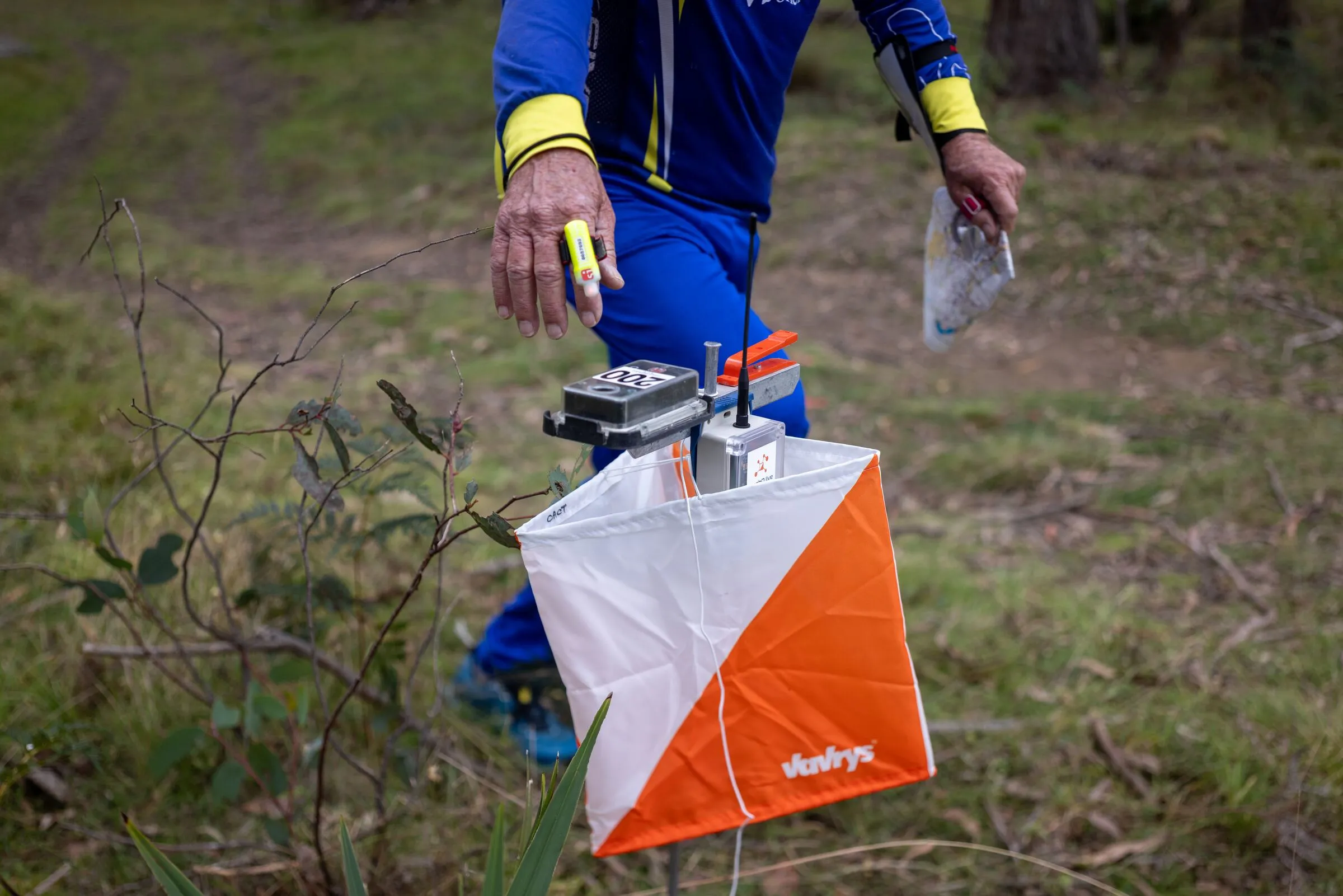

Software
meshO Manager tip 16: waiting for Dad? Run the download
The sixteenth in our series of short videos about running an event with meshO Manager, and the first one told by a junior. Dad is still out on his course, so the kid helps at the download tent instead.

Tate Needham
meshO · · 2 min read
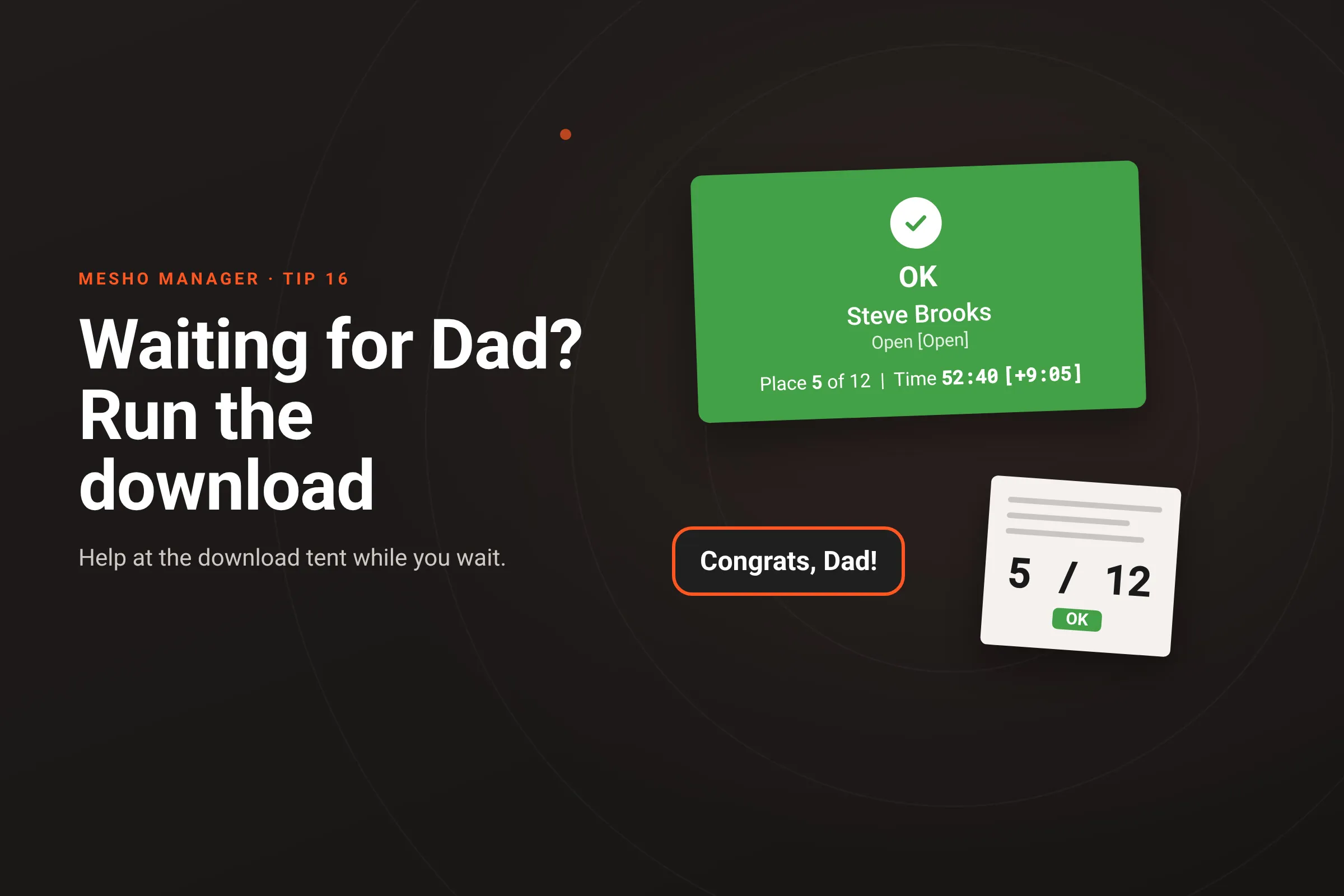
Dad is out on his course, and it’s taking a while. His kid has watched a lot of other runners come in. So the kid goes over to the download tent to see what the computers there do, and ends up helping with the downloads.
How it works
- The reader listens. Once the download tent’s computer has its SportIdent reader connected, the Card downloads page says Insert SportIdent card. Nothing else needs touching between runners.
- Dip the card, read the banner. A clean run comes up as a green OK banner with the runner’s name, class, race time and current place in the class, and the gap to the leader when it fits. Anything else has its own colour and label: a Missing punch names the control, and a red Unknown card is a card nobody in the event holds. That’s when a junior calls the operator over.
- The dashboard shows the same banner on its Download card tile, beside the competitor counts and the radio controls, so the operator can watch the downloads land from anywhere.
Whether juniors help at your download tent, and with whom beside them, is the organiser’s call and your club’s rules. It is a good way into running events, and someone who has dipped a hundred cards knows what a mispunch looks like.
Getting it
It’s in the current version of meshO Manager. Downloading cards explains every banner and what to do about each.