Software
meshO Manager tip 10: the commentary feed
The tenth in our series of short videos about running an event with meshO Manager. This one is the Commentary feed, which tells the commentator the race event by event, with the placing that makes each one worth calling out.

Tate Needham
meshO · · 2 min read
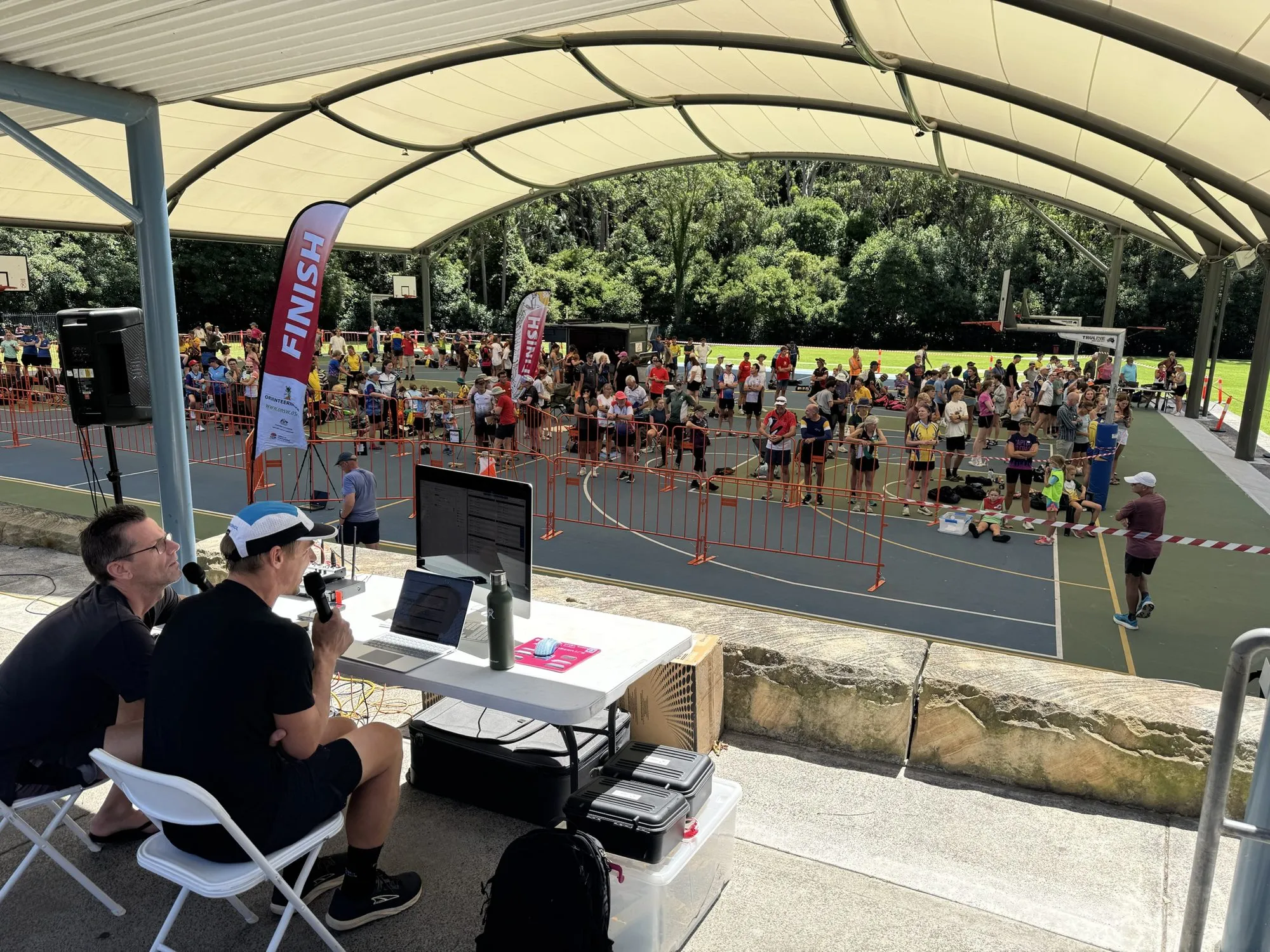
The commentator sits at the arena with a microphone and a crowd waiting. Runners are out on two routes through the forest, punching radio controls, and coming down the finish chute. The commentator needs to know who’s leading, who’s closing in, and who’s about to come home, and needs to know it now. meshO Manager’s Commentary feed gives them the race, event by event, with the placing already worked out.
How it works
- Open it from the Screens page, in the Commentary section, or point a second laptop or a tablet at Commentary under Settings → Server → Access links.
- Every start, radio punch, finish and status change becomes an item, newest on top, written in plain words with the placing context: into the lead, places gained, where a finisher slots in, and the margin.
- A radio item carries a Predicted top 3 chip when the runner’s projected finish puts them on the podium, once somebody in the class has finished.
- Radio and finish items end with Still to finish, so you know how much of the class is still out. When a class is done, a class complete item lists the podium.
- Smart filtering picks the most interesting item waiting, about one every few seconds, so a busy start doesn’t bury the lead change. Switch to Manual to choose exactly what reaches the feed, and pin a class to follow it closely.
Getting it
It’s in the current version of meshO Manager. The commentary page of the Manager docs covers relays, the class feed, and every filter.