Software
meshO Manager tip 06: late entry at the desk
The sixth in our series of short videos about running an event with meshO Manager. This one is the registration desk, a screen of its own for the entry table, and a late entry made on it.

Tate Needham
meshO · · 2 min read
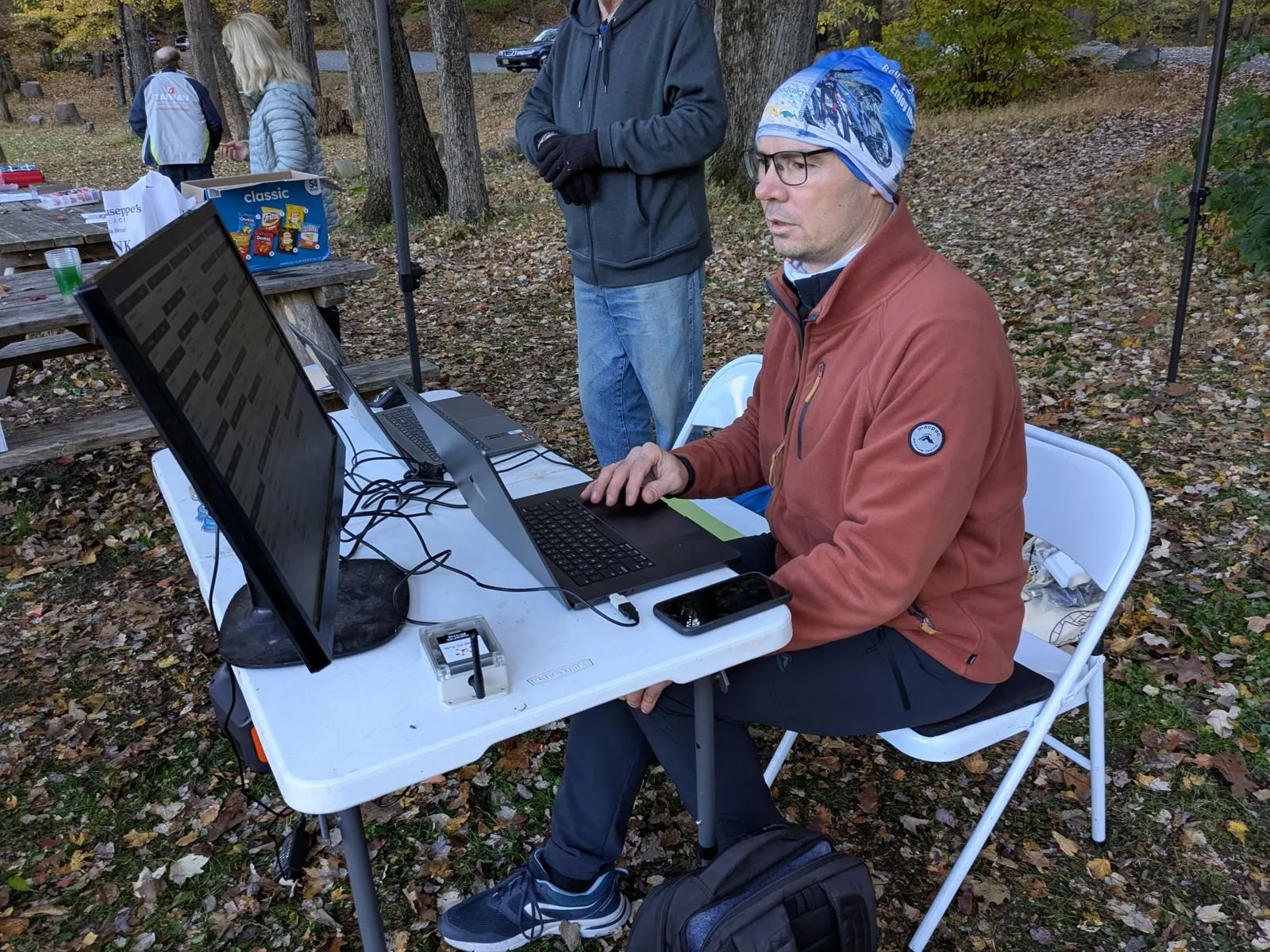
The entry table needs a laptop, but not the whole of meshO Manager. The volunteer on it finds people, fixes their class or card, and enters somebody new. They don’t need the settings, the devices or the start draw, and nobody wants them finishing the event by accident. So the entry table gets a screen of its own: the registration desk.
How it works
- Open
/regoon the server from the entry table’s laptop or tablet: the Registration link under Settings → Server → Access links, or its QR code. Several desks can run at once. - The desk has one search box and an orange add button. Search first, by name, card number, class, club or bib: they may already be entered. With a SportIdent reader plugged in, putting their card on it does the search for you.
- Nobody? Enter as a new competitor opens the entry with the name you searched already filled in. Give them a class, so their run is scored, and a card.
- A card from your hire box is just its number in Card number. meshO Manager knows the hire cards, marks this one Hire card, and tracks it until it comes back.
- Save, and they’re on every screen within a second or so: the results, the start list and the download desk all know them.
- What the desk leaves out is the point: settings, devices, the start draw, card downloads, and starting or finishing the event stay on the operator’s laptop. If Manager has a PIN, the desk asks for it too.
Getting it
It’s in the current version of meshO Manager. The registration desk page of the Manager docs covers setting it up, and Late entries covers entering people on the day.