Software
meshO Manager tip 05: a mispunch in ten seconds
The fifth in our series of short videos about running an event with meshO Manager. This one is the card that downloads as a mispunch, which control is missing, and what to do about it.

Tate Needham
meshO · · 2 min read
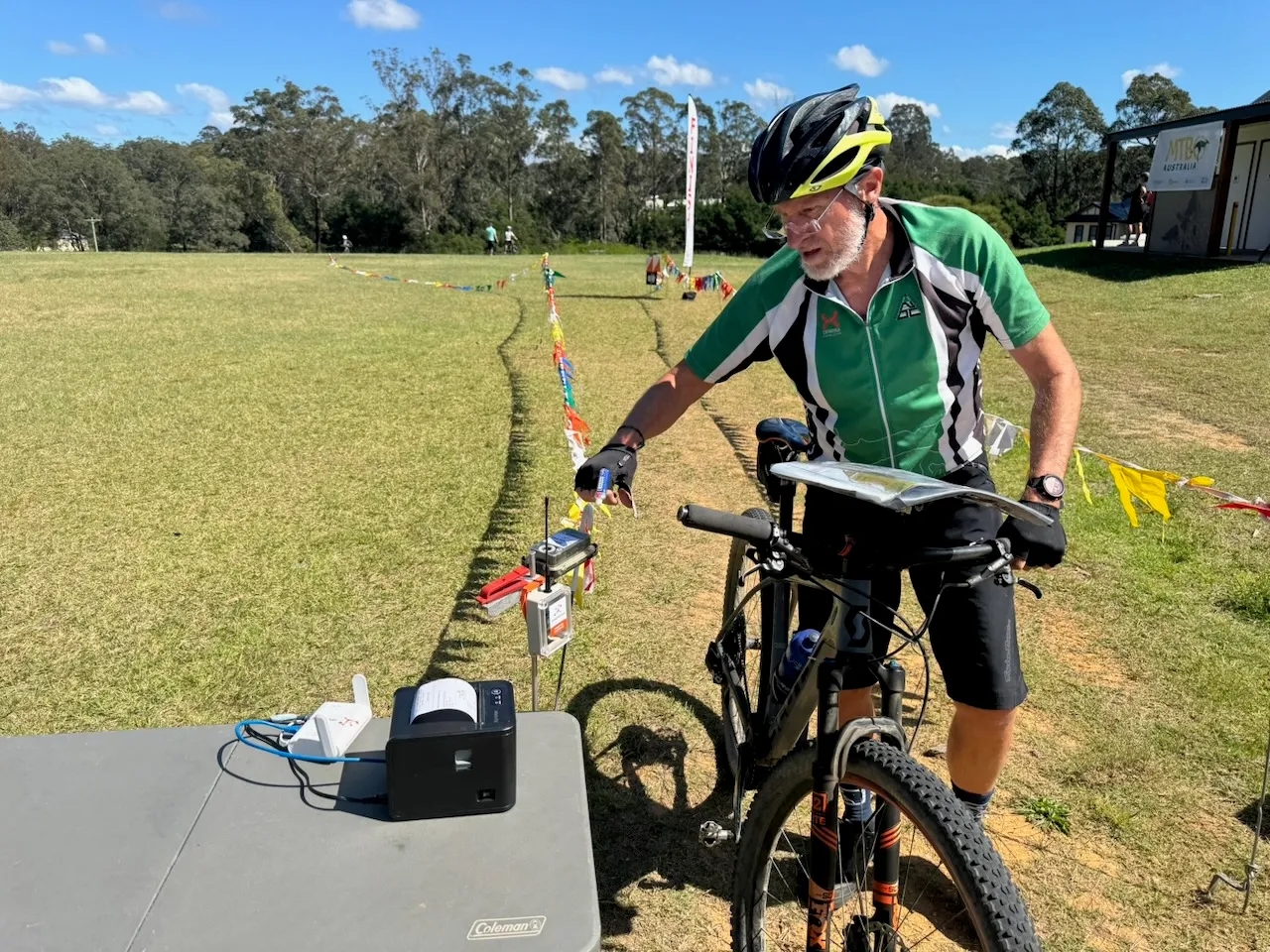
A card downloads and the desk shows MP. The runner is standing in front of you, sure they punched every control. meshO Manager tells you straight away which control is missing, so the conversation starts from the facts.
How it works
- When a card downloads as MP, the download banner names the missing control, and the splits strip under it shows the gap where the punch should be.
- If the runner really did miss it, MP is the right result. Leave it.
- If they punched and the unit didn’t record it (a unit with a dead battery, say, or a flat SIAC), open the competitor and go to the Overrides tab. Mark visited on the missing control, and choose a reason, such as Electronic punch failed.
- The result is worked out again from the punches, so the runner becomes OK with their time, and the override and its reason stay on their record.
- You can’t simply set the status to OK on a card that is missing a control: meshO Manager puts it straight back to MP. The fix is always to the punches, so every OK is backed by a complete course.
If a whole control failed for everyone, there’s a quicker fix: mark the control Faulty, and nobody is penalised for it.
Getting it
It’s in the current version of meshO Manager. The Resolving issues page of the Manager docs covers missing punches, wrong times, faulty controls and the other things that go wrong at the download desk.