Software
meshO Manager tip 04: back, but not downloaded
The fourth in our series of short videos about running an event with meshO Manager. This one is about the runner who punches the finish, walks to the car and drives home with their card.

Tate Needham
meshO · · 2 min read
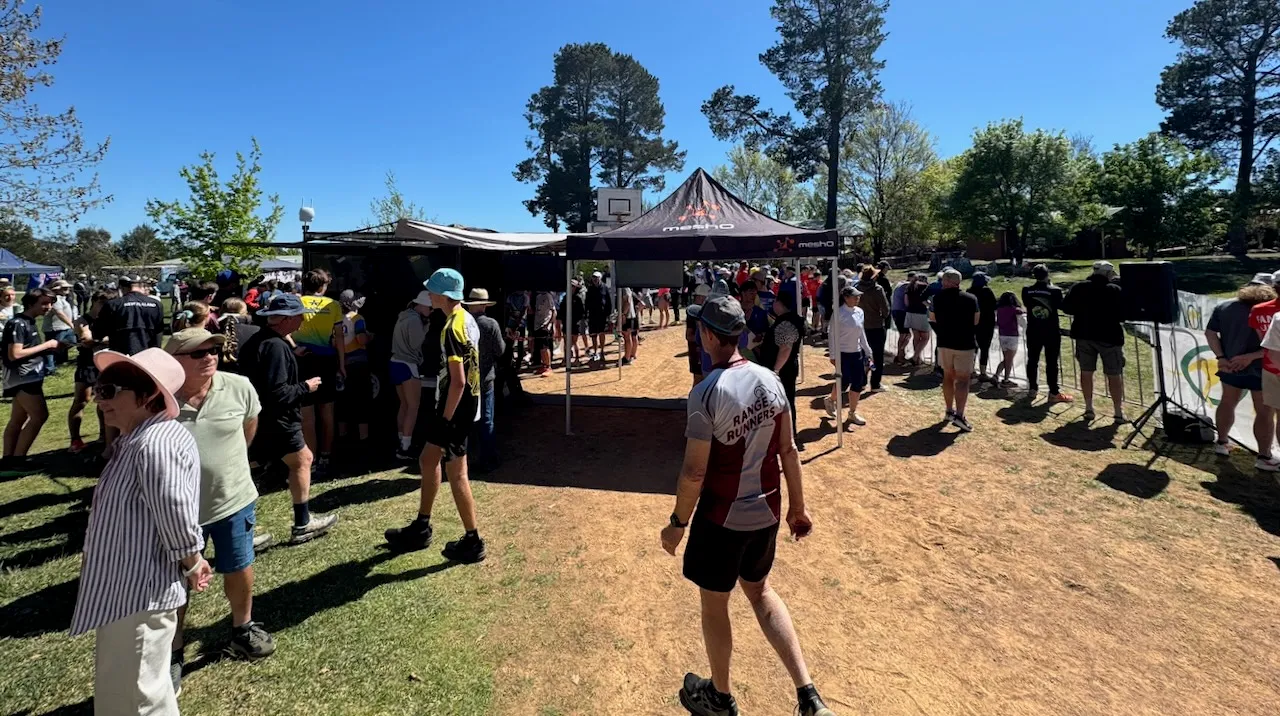
At a big event, the finish chute walks every runner straight to the download. At a club event there often isn’t one. Runners punch the finish, wander off for a drink or a chat, and some of them get in the car and drive home with their card still in their pocket.
If your finish has a radio, meshO Manager already knows who they are.
How it works
- The Competitors tile on the event dashboard has a Pending count beside On course. It counts the runners a radio finish saw cross the line who haven’t downloaded their card yet.
- They aren’t a safety problem: the finish punch says they’re back. But their result is only provisional (
OK*) until the card is read, and it won’t be published as a result until it is. - Click Pending for the names, with the radio finish that put each of them on the list. It’s the list for chasing people up: a message to the club, a call, a name read out over the PA.
- A runner whose card you know won’t be read, because they’ve gone home with it or the card has failed, can be settled from their row: Set DNF or overtime… It’s your ruling, so they leave the list, and if the card turns up later you can undo it.
- To keep the list in view all day, add the Pending downloads tile to the dashboard: the longest wait at the top.
Get the Pending count to zero before you finish the event, and every result you publish comes from a card that was actually read.
Getting it
It’s in the current version of meshO Manager. The Seeing who is still on course page of the Manager docs covers the Pending list, the Pending downloads tile and screen, and what to do with a card nobody is entered on.