Software
meshO Manager tip 03: from Eventor to ready in a minute
The third in our series of short videos about running an event with meshO Manager. This one creates an event straight from Eventor, with its classes, entries and clubs already in.

Tate Needham
meshO · · 2 min read
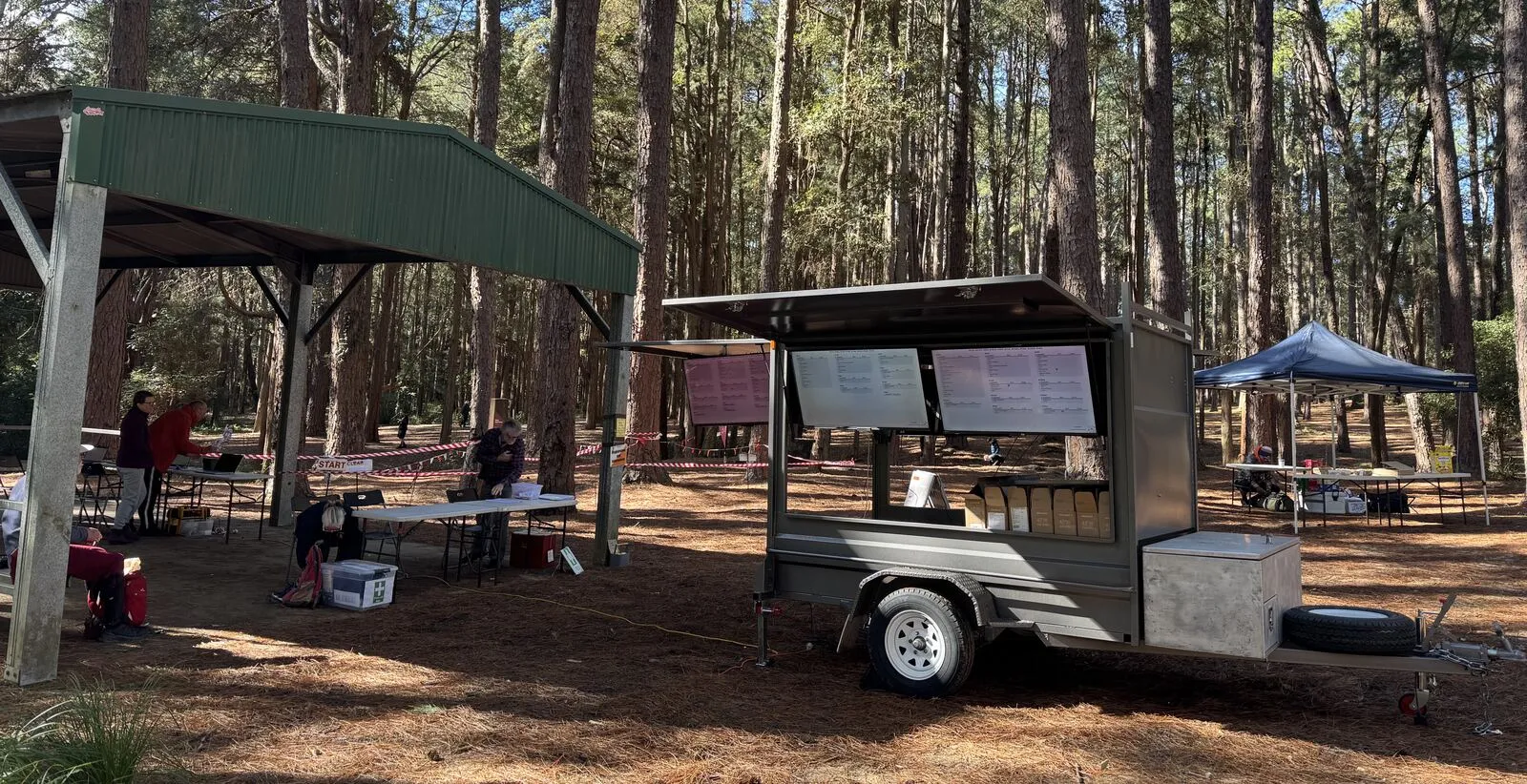
If your event takes its entries on Eventor, there’s no need to type any of them in. meshO Manager lists your club’s upcoming Eventor events next to your own, and one click makes the event, with its classes, entries and clubs already in.
How it works
- Set up the Eventor connection once, in Settings → Eventor: your Eventor host, your API key and your organisation.
- The Upcoming tab of the events list then shows your organisation’s upcoming Eventor events below your own. Click Create event on one, and meshO Manager imports it: the name, date and discipline, the classes, the entries with their card numbers, the clubs, and the start times if the draw has been done on Eventor.
- An individual event is created on the click and opens straight at its dashboard. A relay asks you to confirm the number of legs and the mass start time first, and an event Eventor holds as several races becomes a multi-stage event, one meshO event per race.
- The new event stays linked to Eventor, so you can pull in late entries and the start list later without searching for it again, and upload the results to it afterwards.
Eventor doesn’t carry courses, so those come next, from your course-setting software: import an IOF XML course file or a Purple Pen file, and your event is ready to run.
Getting it
It’s in the current version of meshO Manager. The Creating an event from Eventor page of the Manager docs covers setting up the connection, what each kind of event becomes, and what to check after the import.