
Software
The SPORTident Reader BT: card download over Bluetooth
SPORTident's Reader BT is a download station with no cable — just Bluetooth. meshO Manager now reads cards from it in Chrome and Edge.

Tate Needham
meshO · · 2 min read
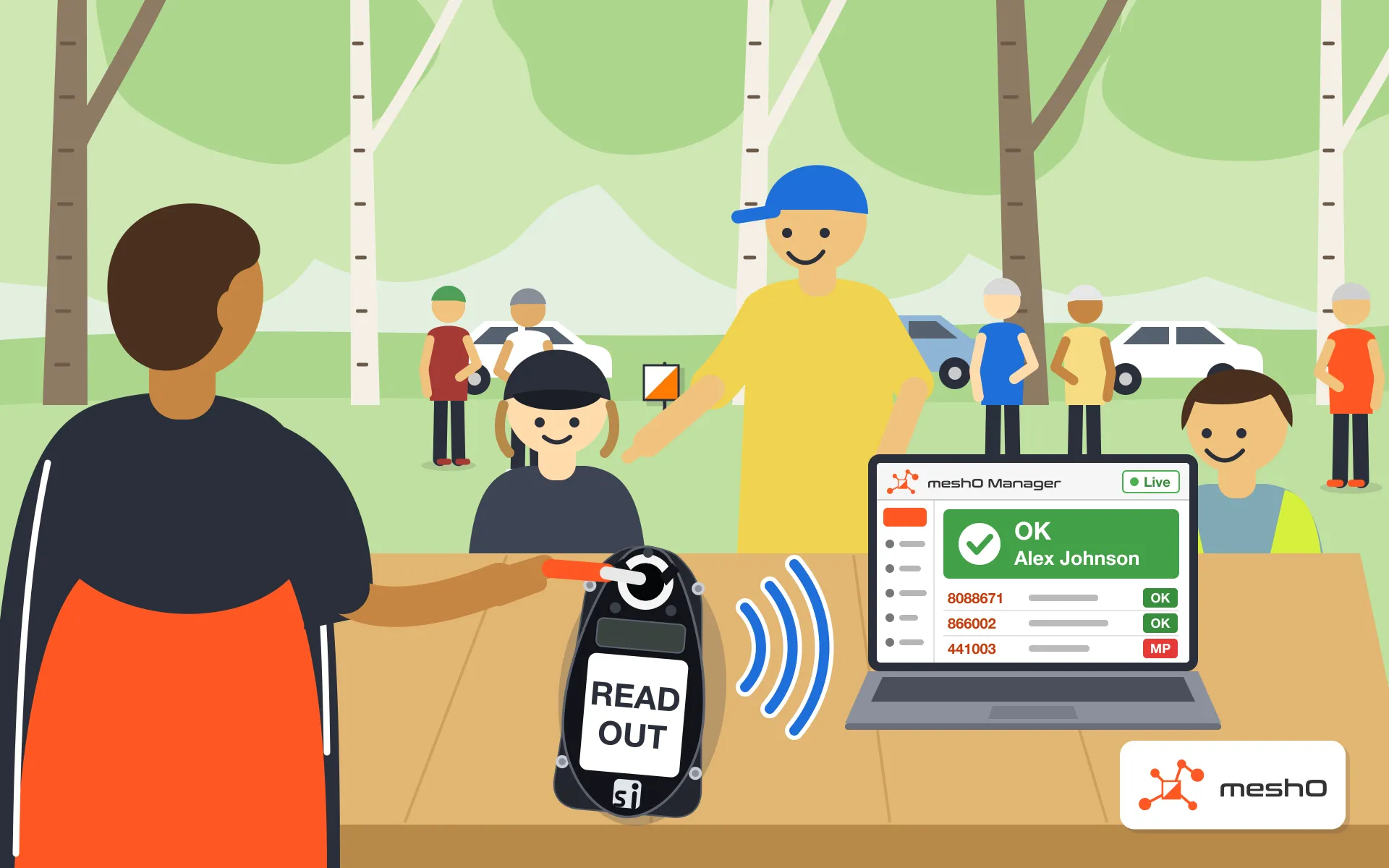
A download desk has always been tied to its laptop by a USB cable. The station sits where the laptop can reach it and the cable runs across the table.
SPORTident’s Reader BT changes that. It’s a readout station with Bluetooth and no cable, and meshO Manager now reads cards from it. Insert a card, and the download lands in Manager exactly as it would from a USB station: the same result banner, the same downloads table, the same splits print.
Connecting it
Wake the reader by inserting a card, then click Connect Reader BT on the Card downloads page or the dashboard’s Download card tile. The browser lists the reader by its serial number. Pick it, click Pair, and the panel says Listening.
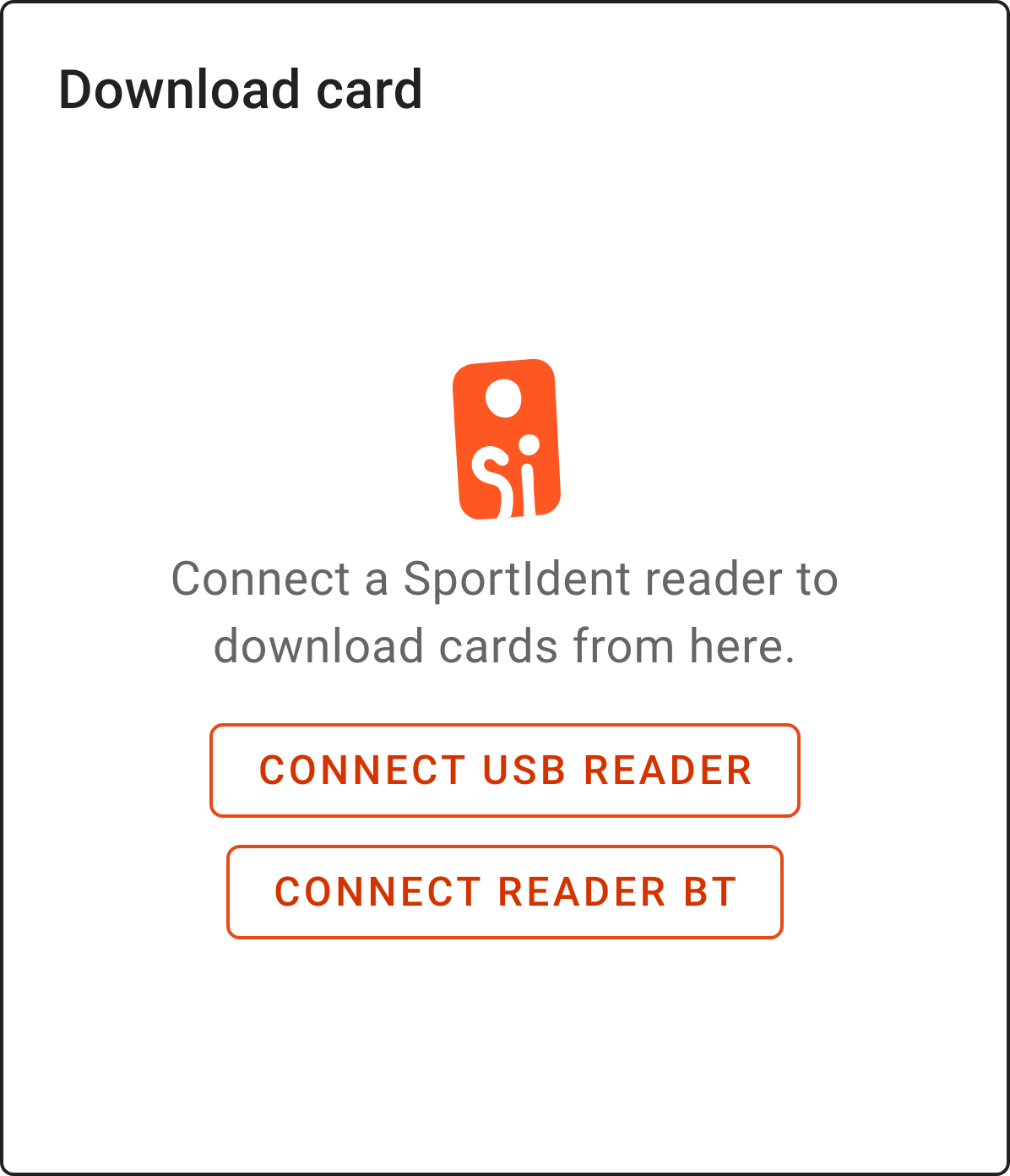
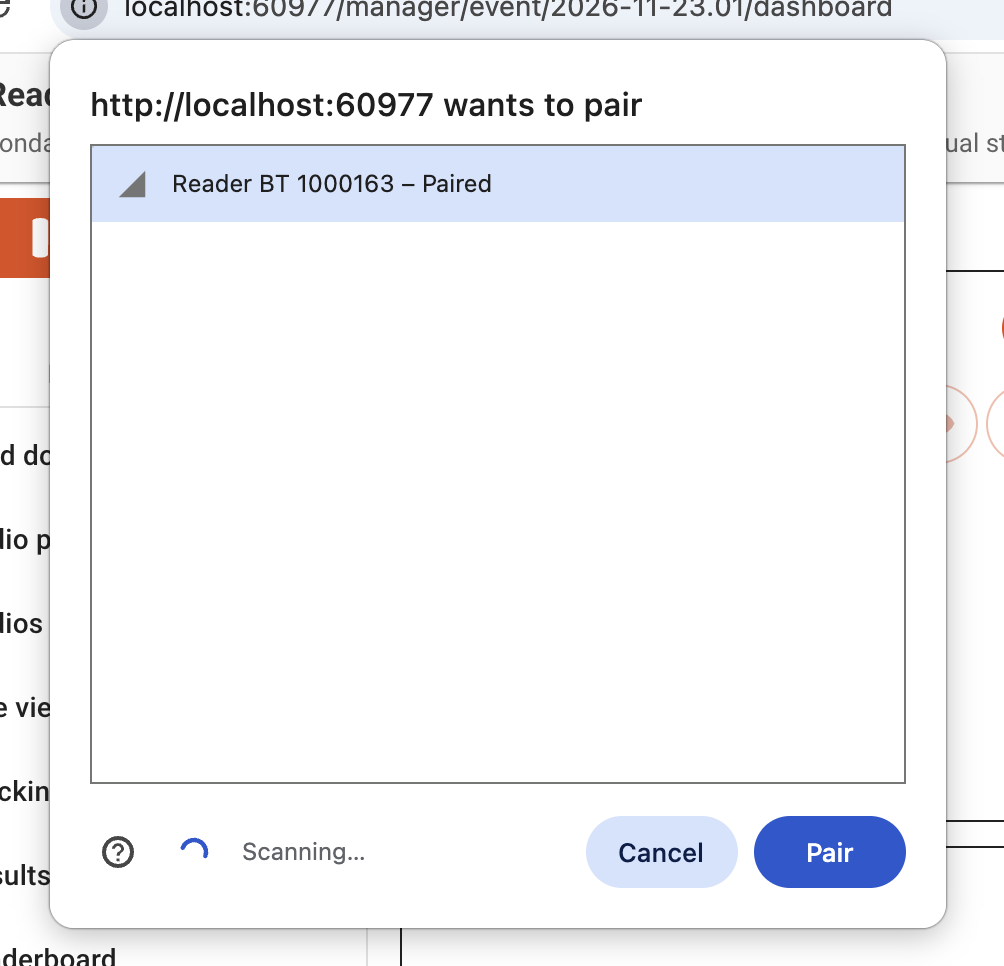
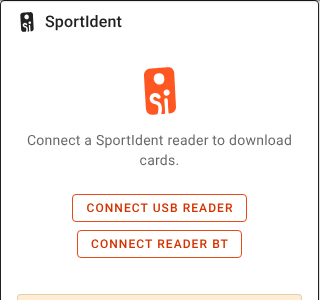
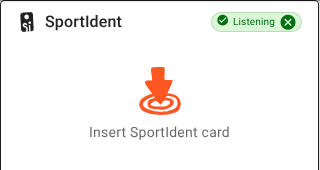
There’s nothing to install and no pairing in the computer’s Bluetooth settings. In fact, SPORTident advises against pairing it there. Manager connects to it directly from the page.
It works in Chrome or Edge on Windows, macOS, Linux and Android. Safari, Firefox and iPhones can’t use it, because they don’t offer Web Bluetooth.
What comes across
The Reader BT reads the card itself and sends Manager the punches, not the card’s raw memory. Manager handles them as it does a USB station’s, with the same course check, two-card merges, handling of uncleared cards, splits print and SIAC battery warning.
Getting started
Download meshO Manager. It’s free, with every feature included. Set the reader to Readout mode in SPORTident’s Config App (a new reader comes that way), then follow Downloading cards with a Reader BT in the Manager documentation. It starts with the three steps above and covers every message you might see.
Screenshots show meshO Manager with demonstration data; the pairing window is from a real Reader BT. Sources: SPORTident Reader BT documentation (docs.sportident.com) and its developer specification (docs.sportident.com); meshO Manager documentation, “Downloading cards with a Reader BT” (docs.mesho.live).